Lovable
Follow these steps to add Ahrefs MCP to Lovable:
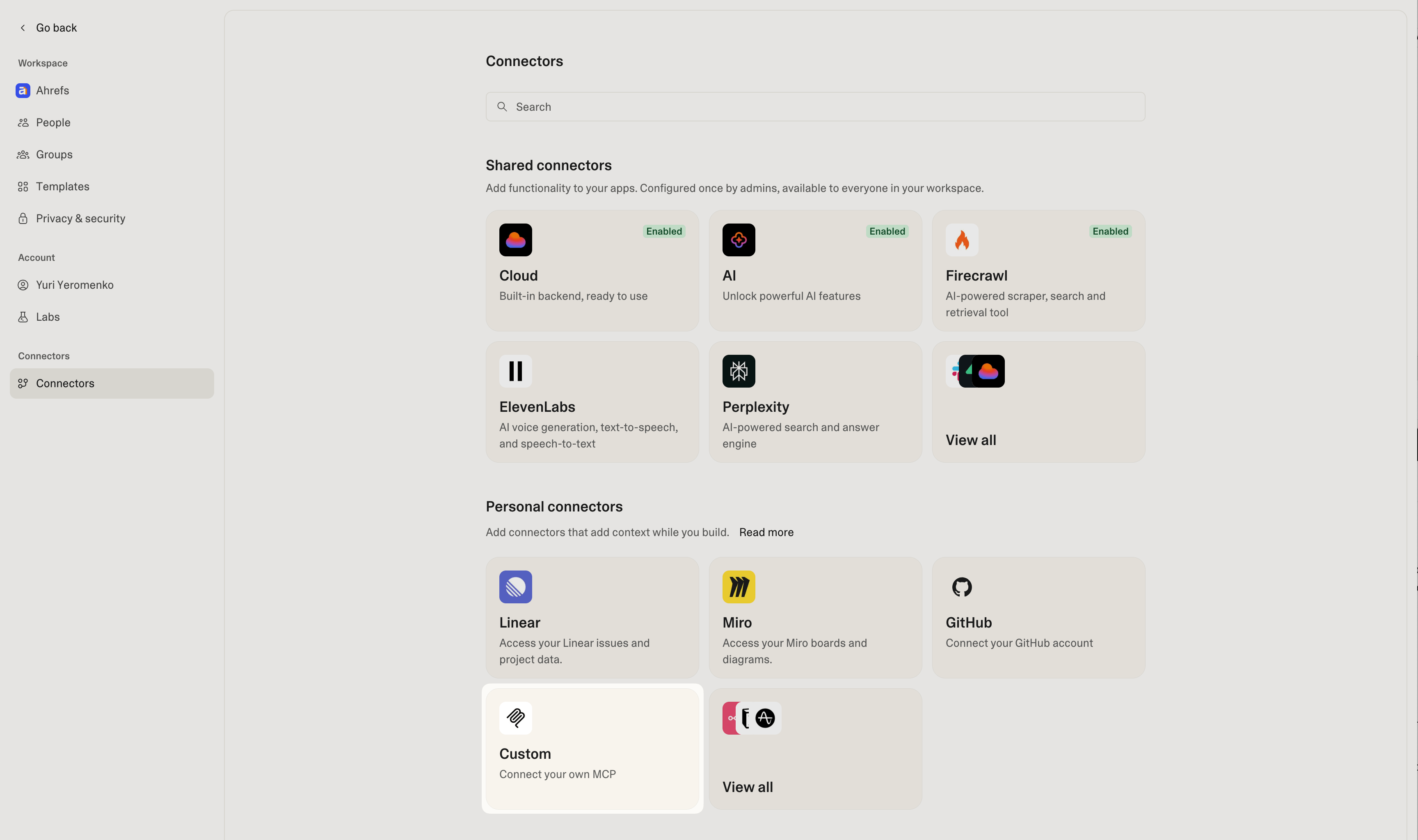
- Open Settings, select "Connectors" and click "Custom" in the "Personal connectors" section.
- Use
https://api.ahrefs.com/mcp/mcpas the server URL, and select "OAuth" as the authentication method.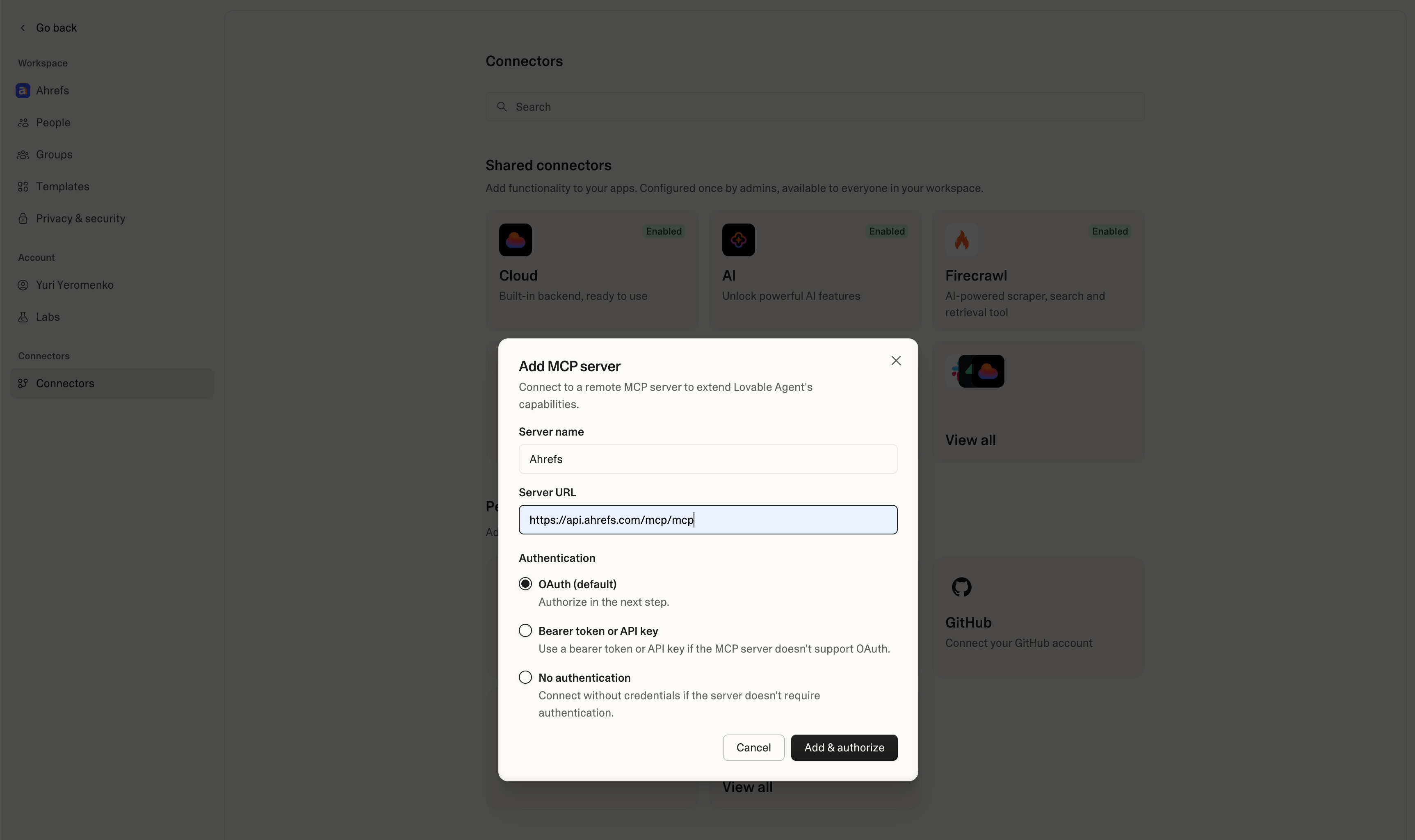
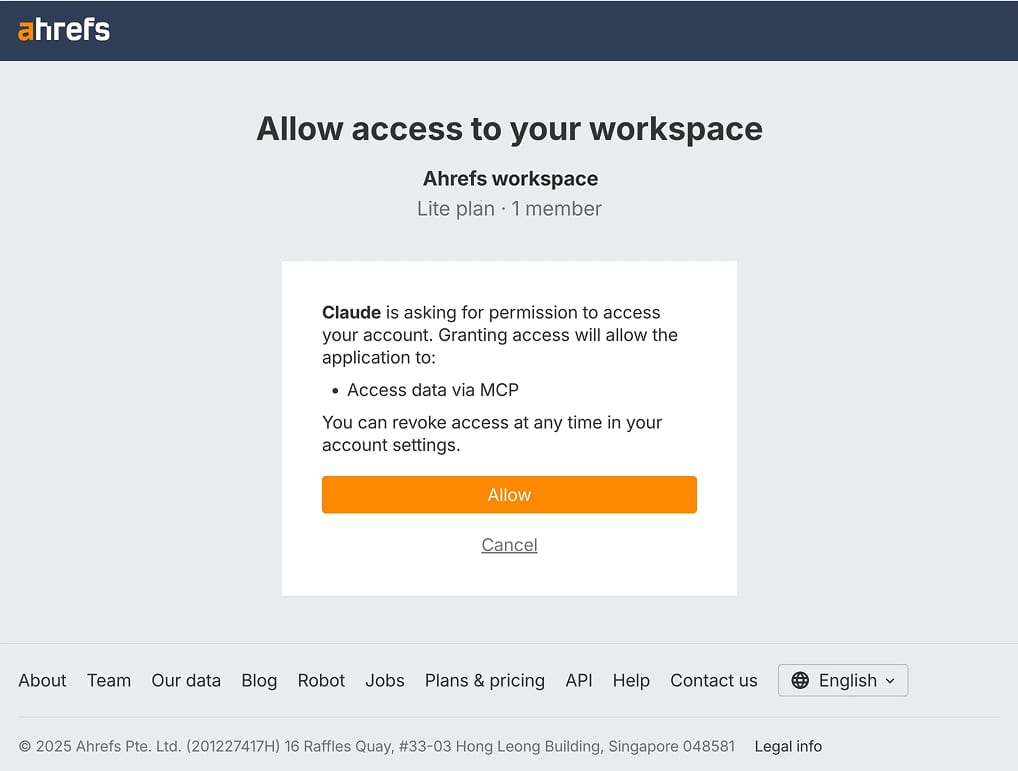
- Select your workspace and allow access to it by clicking "Allow".
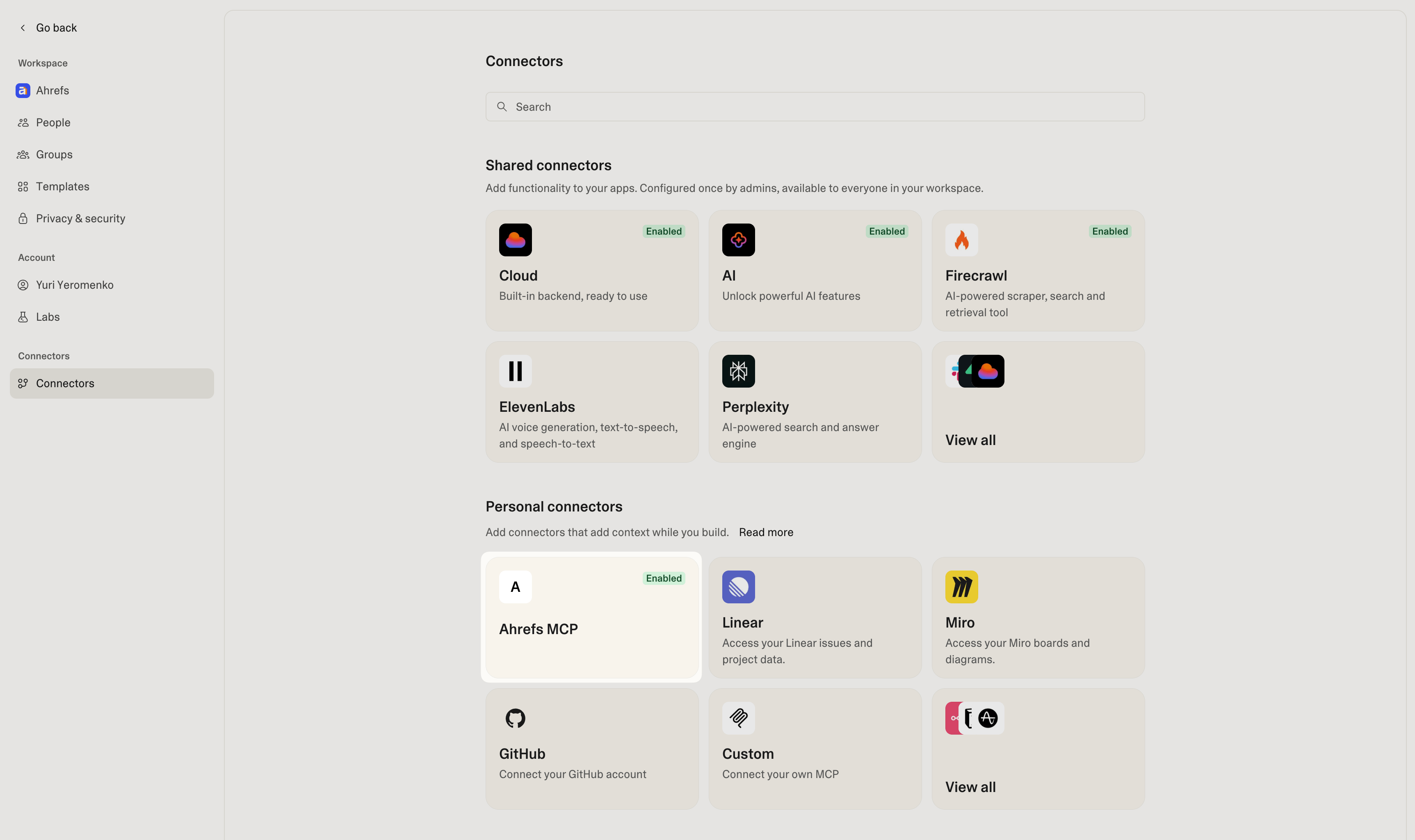
- Once connected, Ahrefs MCP will appear as "Enabled" in the list of personal connectors.