Claude Mobile
You cannot add a new custom MCP connector directly from the Claude mobile app. Custom connectors must be added via Claude Web / Desktop, and they will then become available on your mobile device. Here's how you can enabe such a connector:
- Click on your profile icon (often your initials) in the lower-left corner.
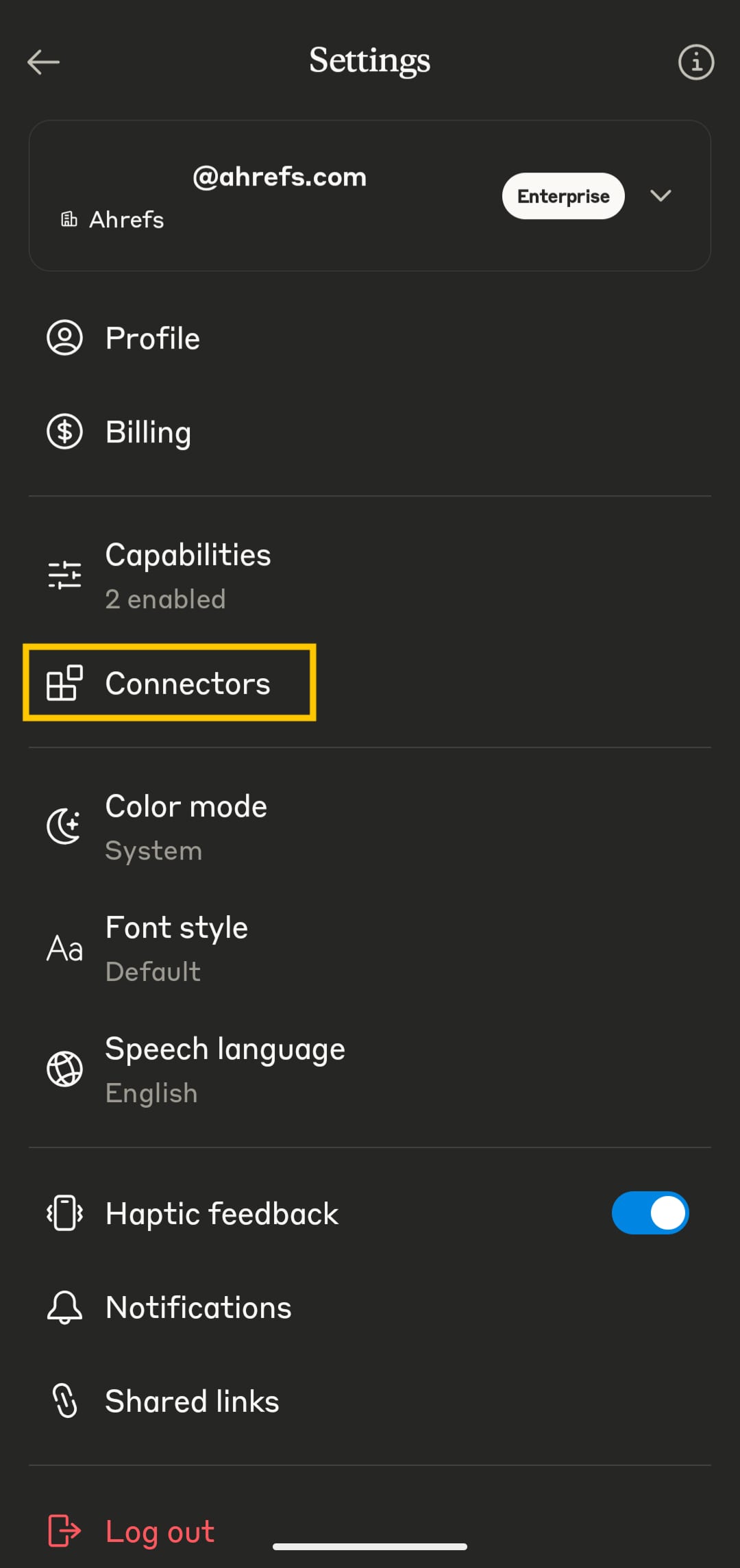
- In the Settings, select Connectors.
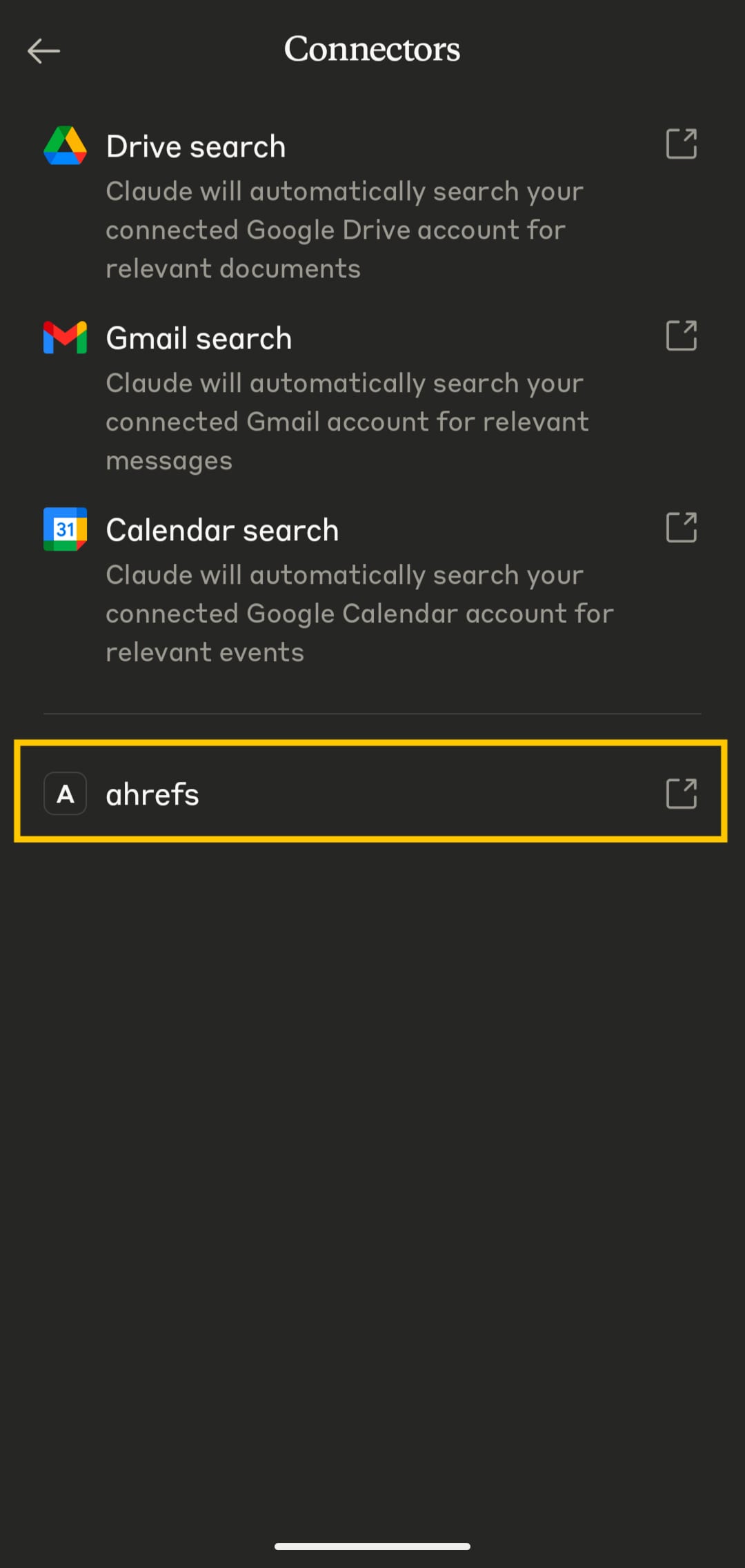
- Select your Ahrefs connector.
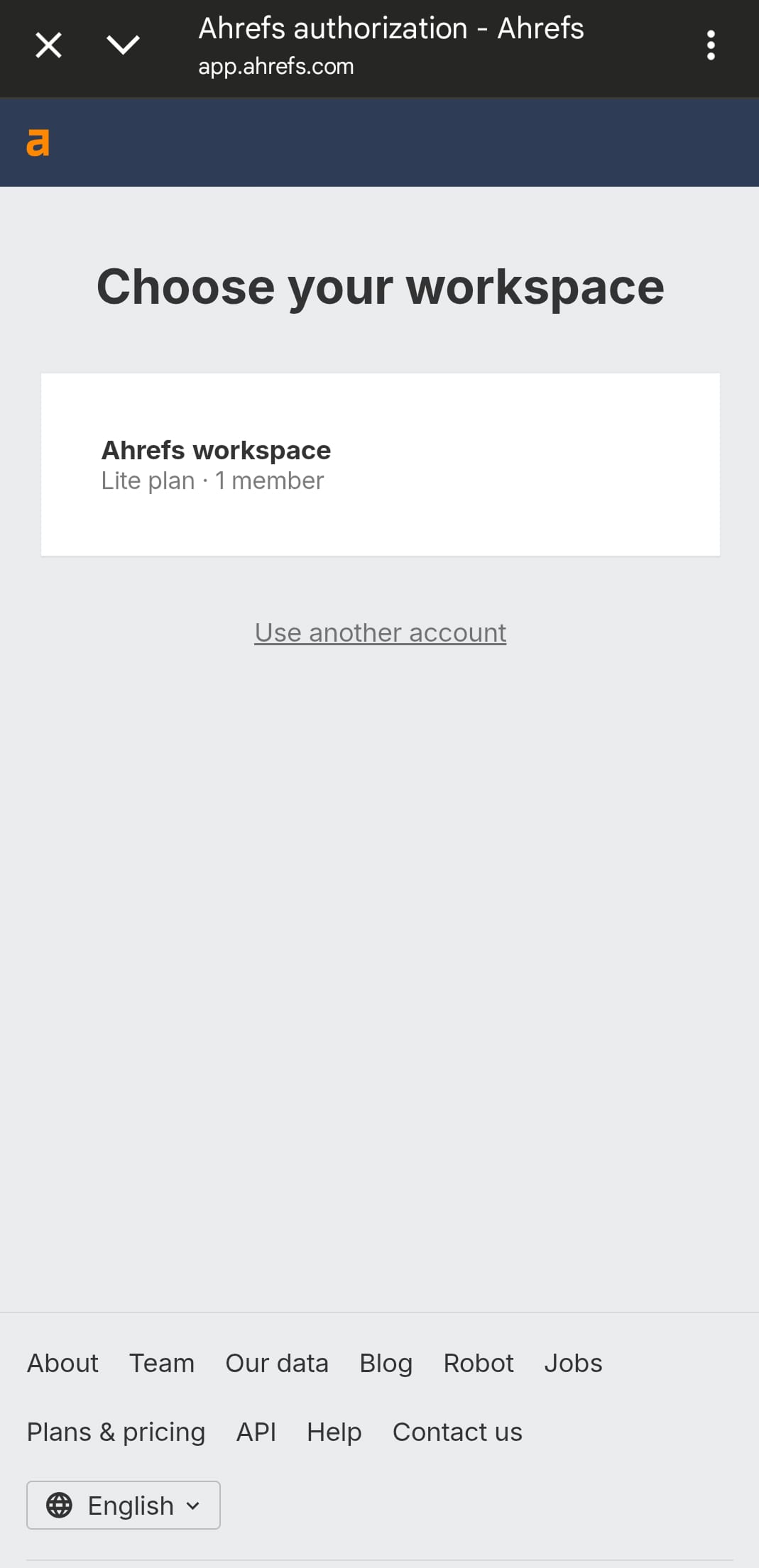
- Sign in to your Ahrefs account and select your workspace.
- Allow access to your workspace by clicking "Allow".
- Connection to Ahrefs MCP server should be successful.
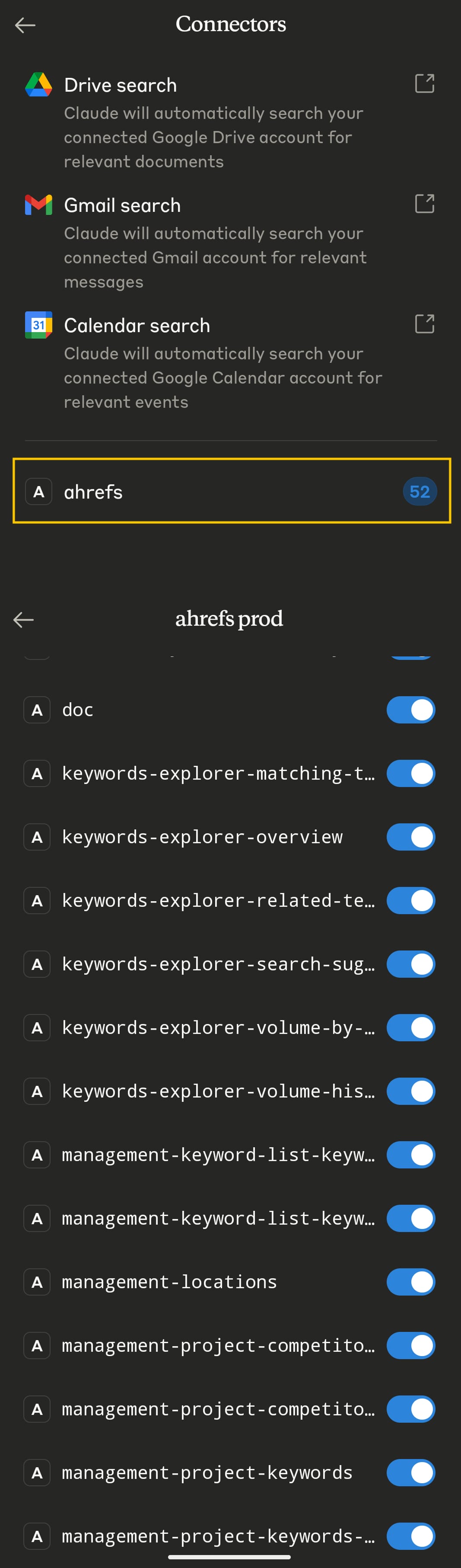
- Go to New Chat to start using the connector.