Claude Desktop/Web
Installation
There are two methods to proceed with setup:
Method 1: Using OAuth Authorization
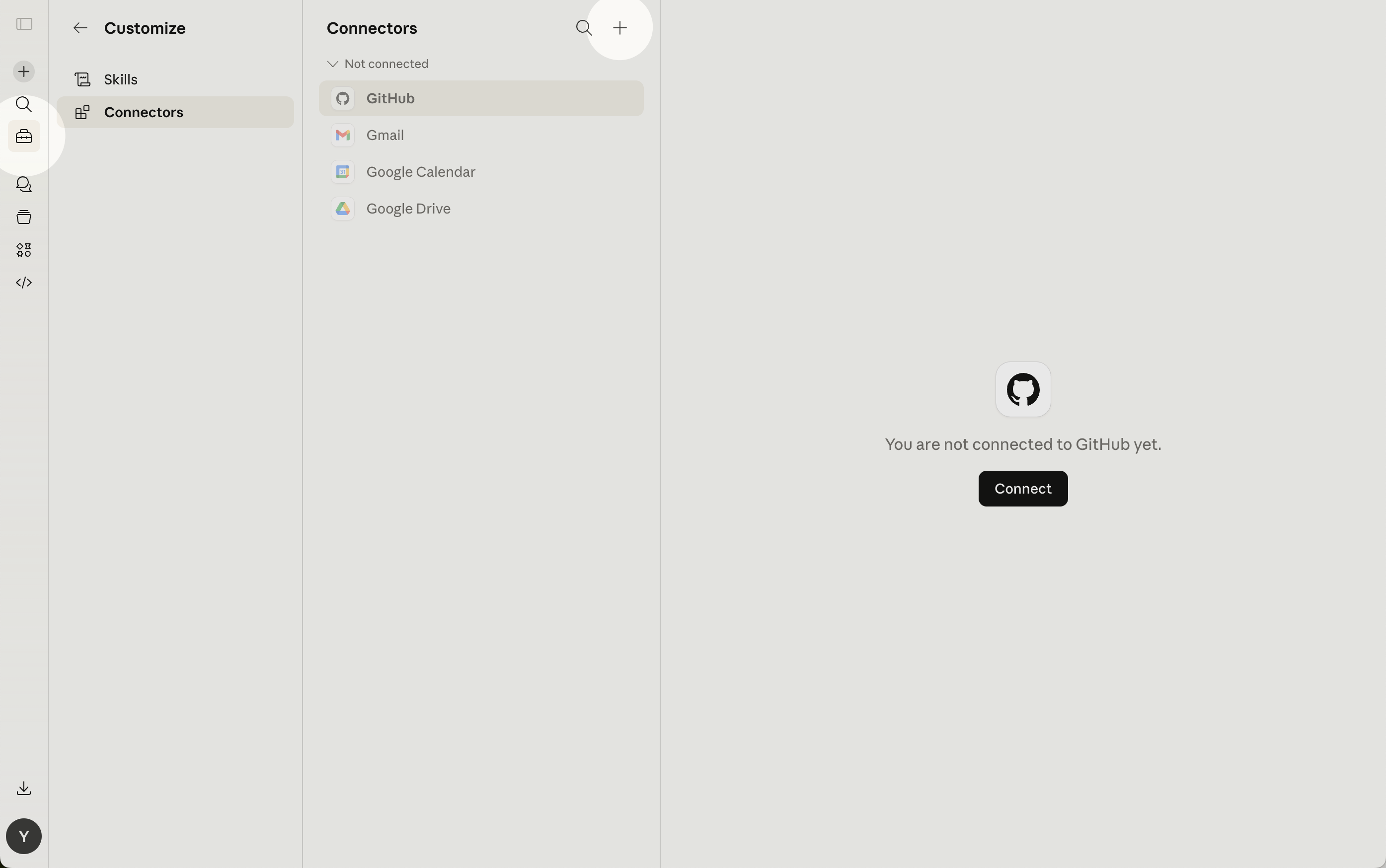
- Open the Customize section, select "Connectors" and click on the "+" (Add) button.
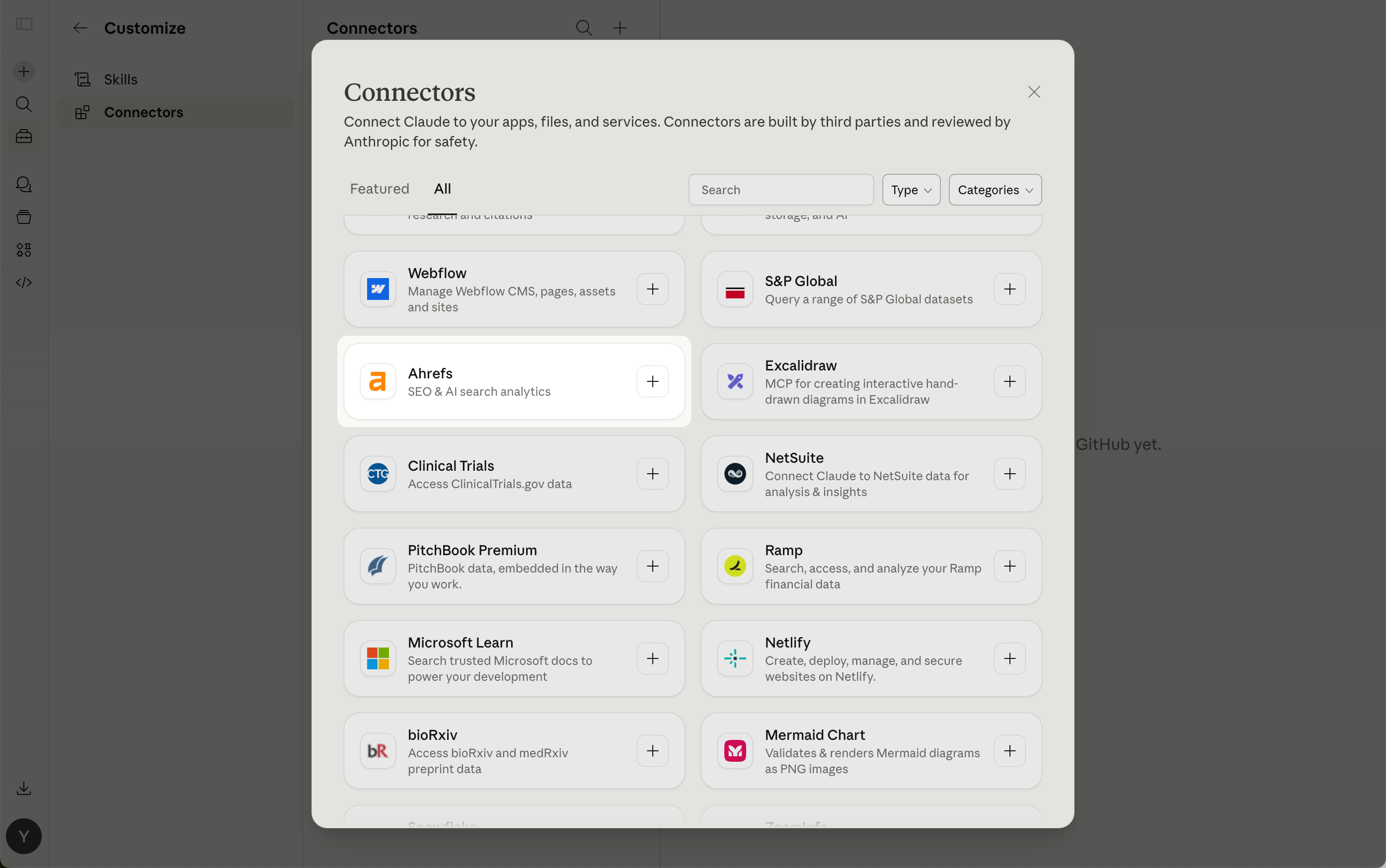
- Seaerch for "Ahrefs" in the list of approved Claude connectors and click on the card.
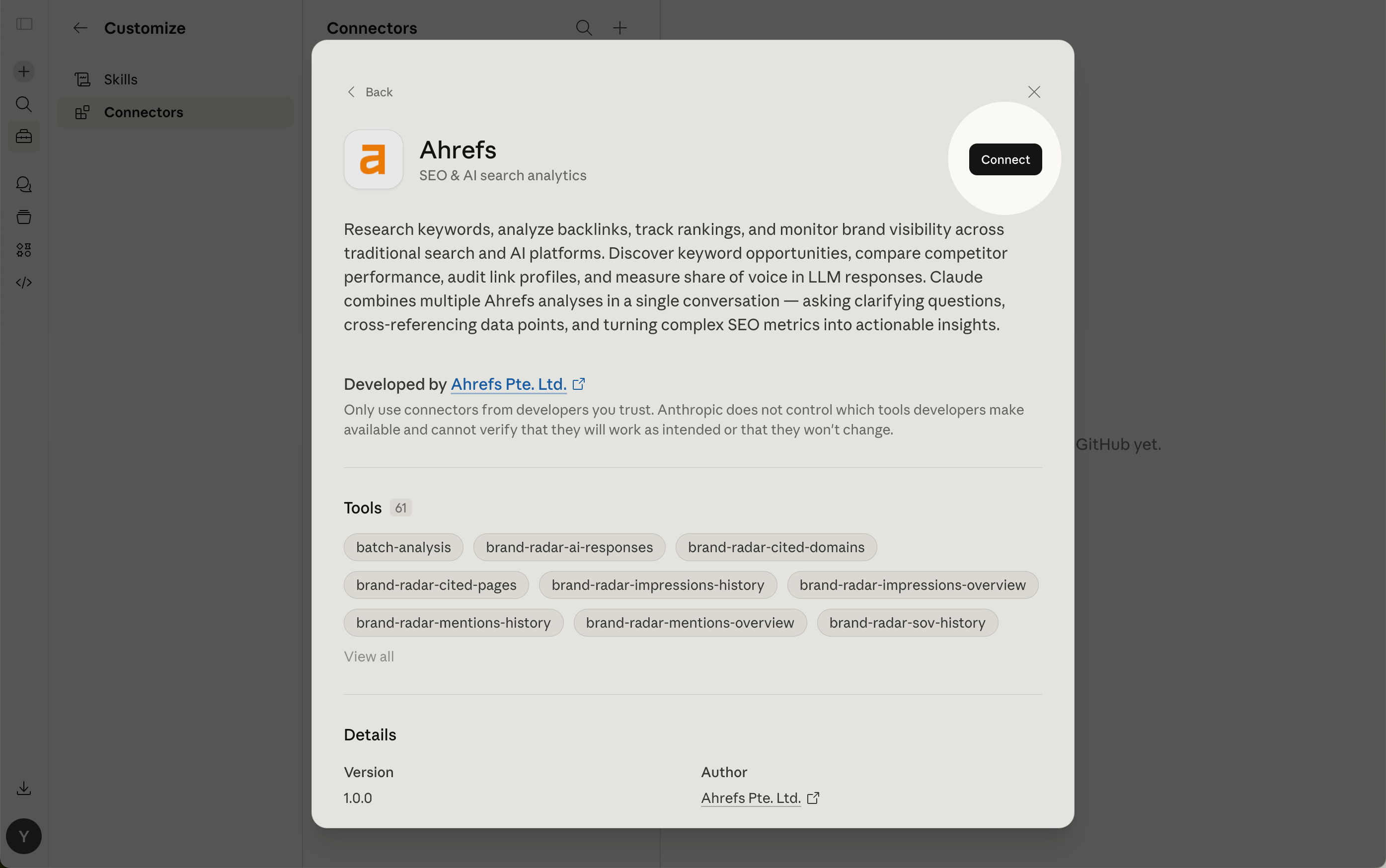
- Click "Connect".
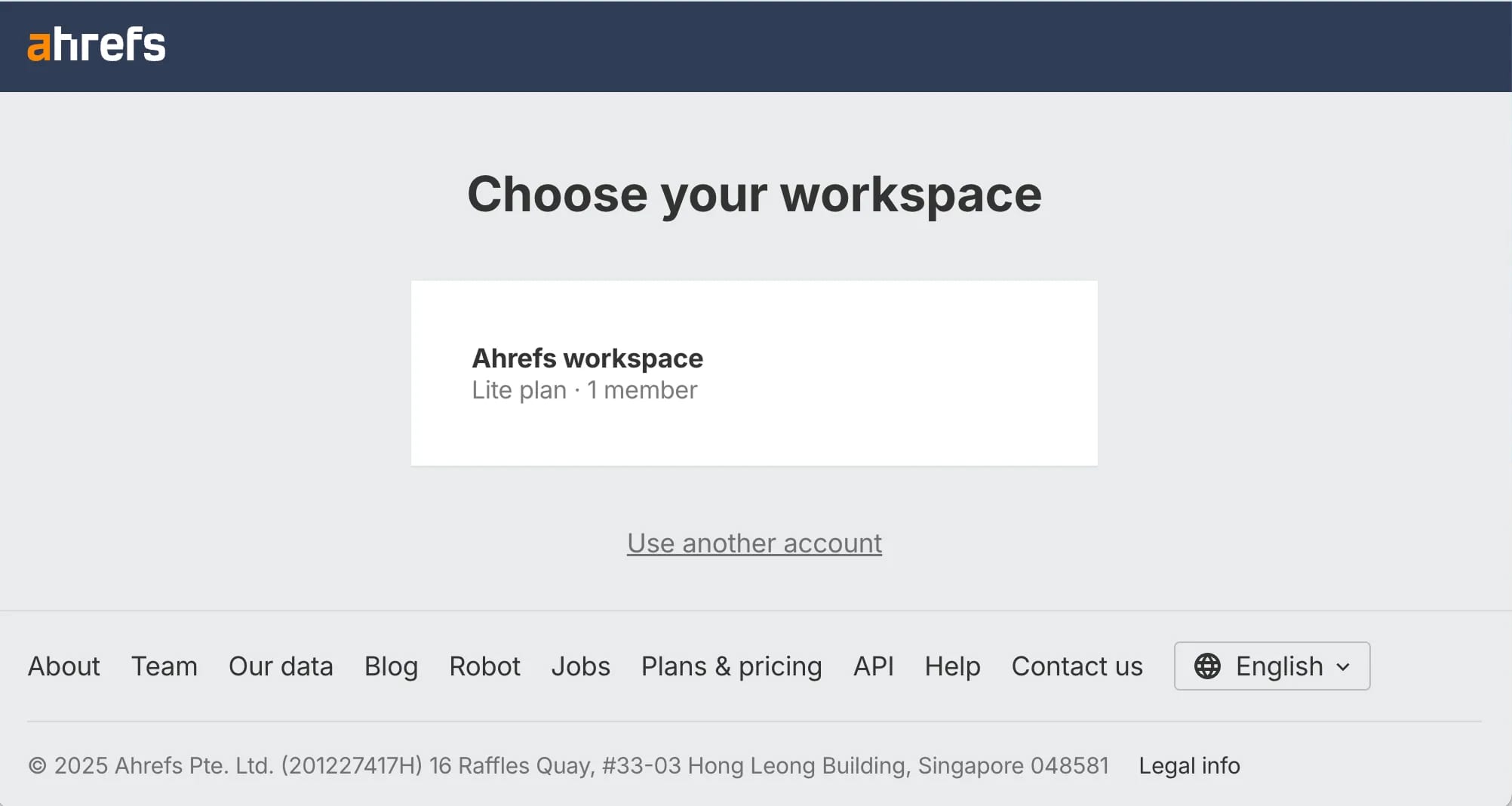
- Choose your Ahrefs workspace and select your account.
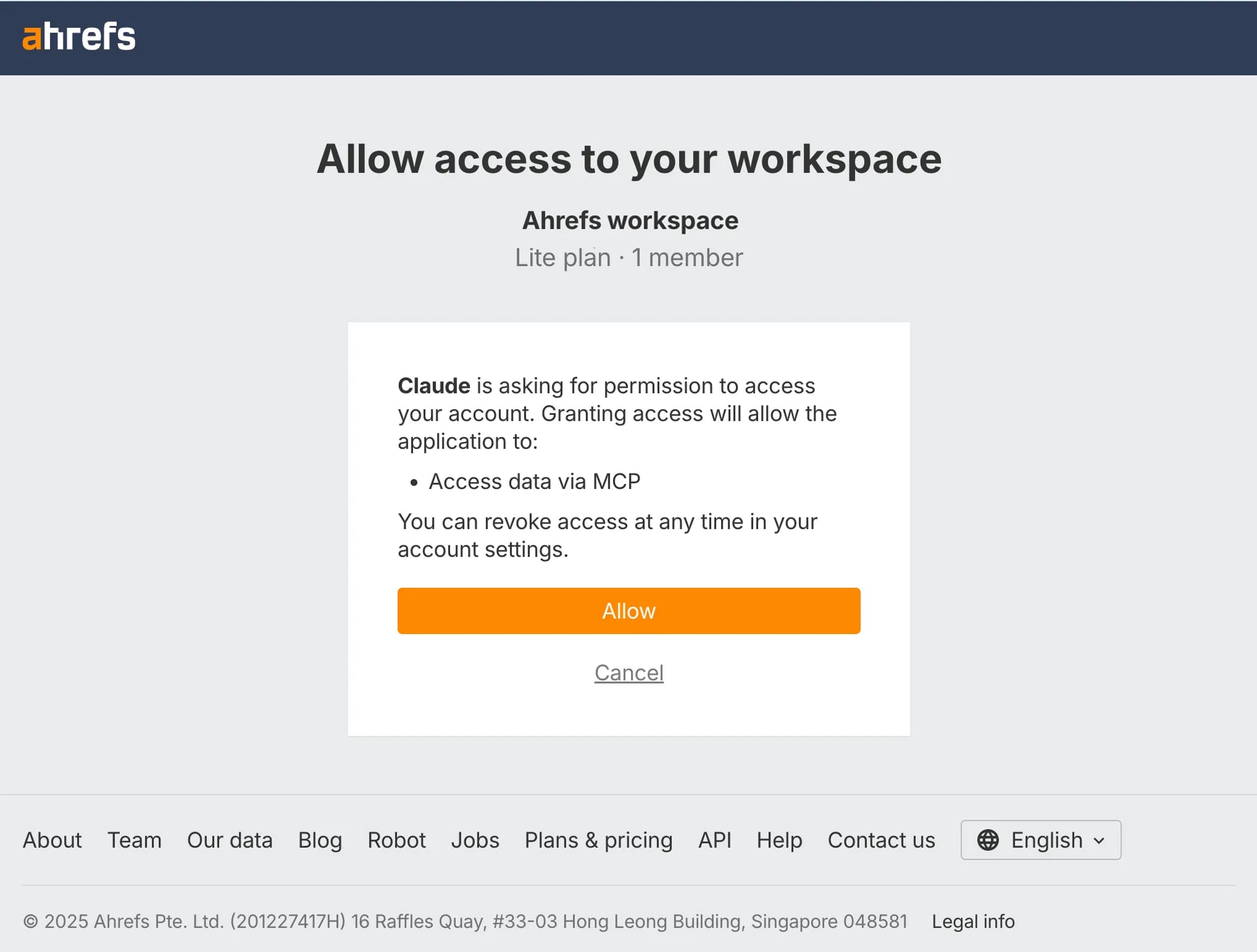
- In the consent popup, click Allow.
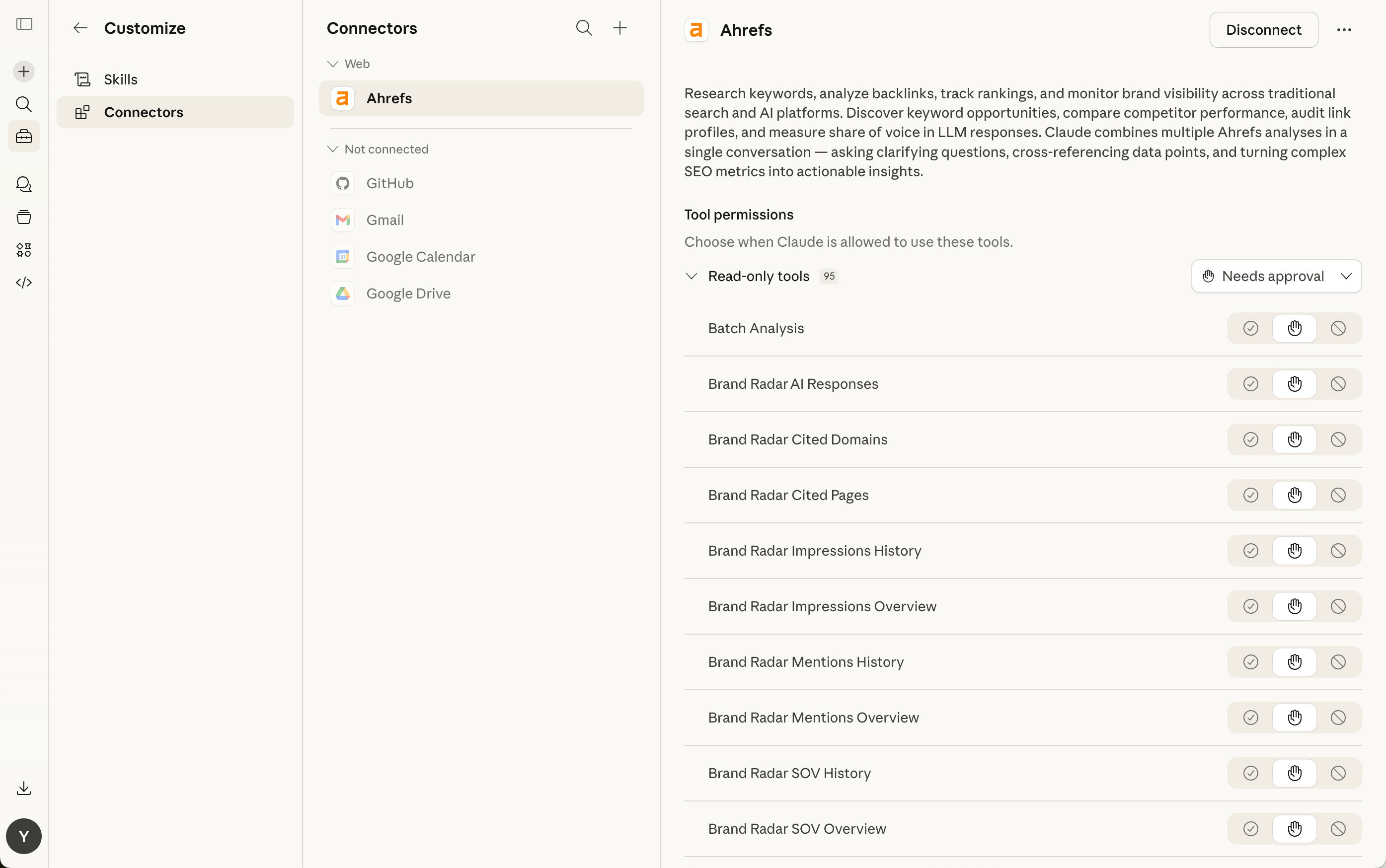
- Once connected, you will see a confirmation message, and "Ahrefs" will appear in the list of your connectors.
Method 2: Using MCP token via Claude developer configuration
- Click on your profile icon (often your initials) in the lower-left corner and choose "Settings" from the menu.
- In the Settings, select "Developer" under Desktop app and click "Edit config".
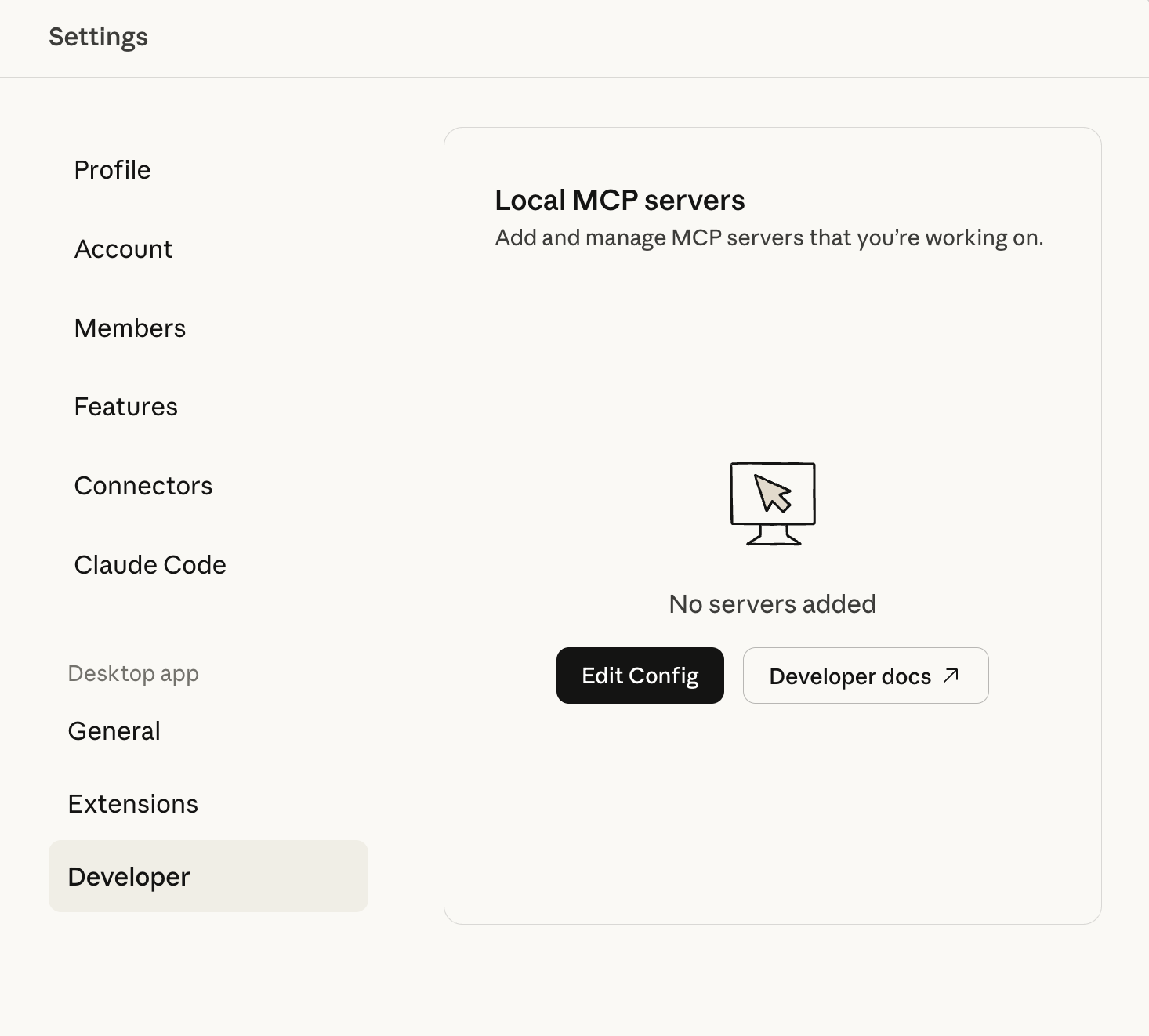
- This will open or locate the
claude_desktop_config.jsonfile. - Add or update your configuration in the following format:
{
  "mcpServers": {
    "Ahrefs": {
      "command": "npx",
      "args": [
        "mcp-remote",
        "https://api.ahrefs.com/mcp/mcp",
        "--header",
        "Authorization:${AUTH_HEADER}"
      ],
      "env": {
        "AUTH_HEADER": "Bearer $MCP Key"
      }
    }
  }
}
- Go to Ahrefs workspace → Account Settings → API Keys and click "Generate MCP key" to create a new key.
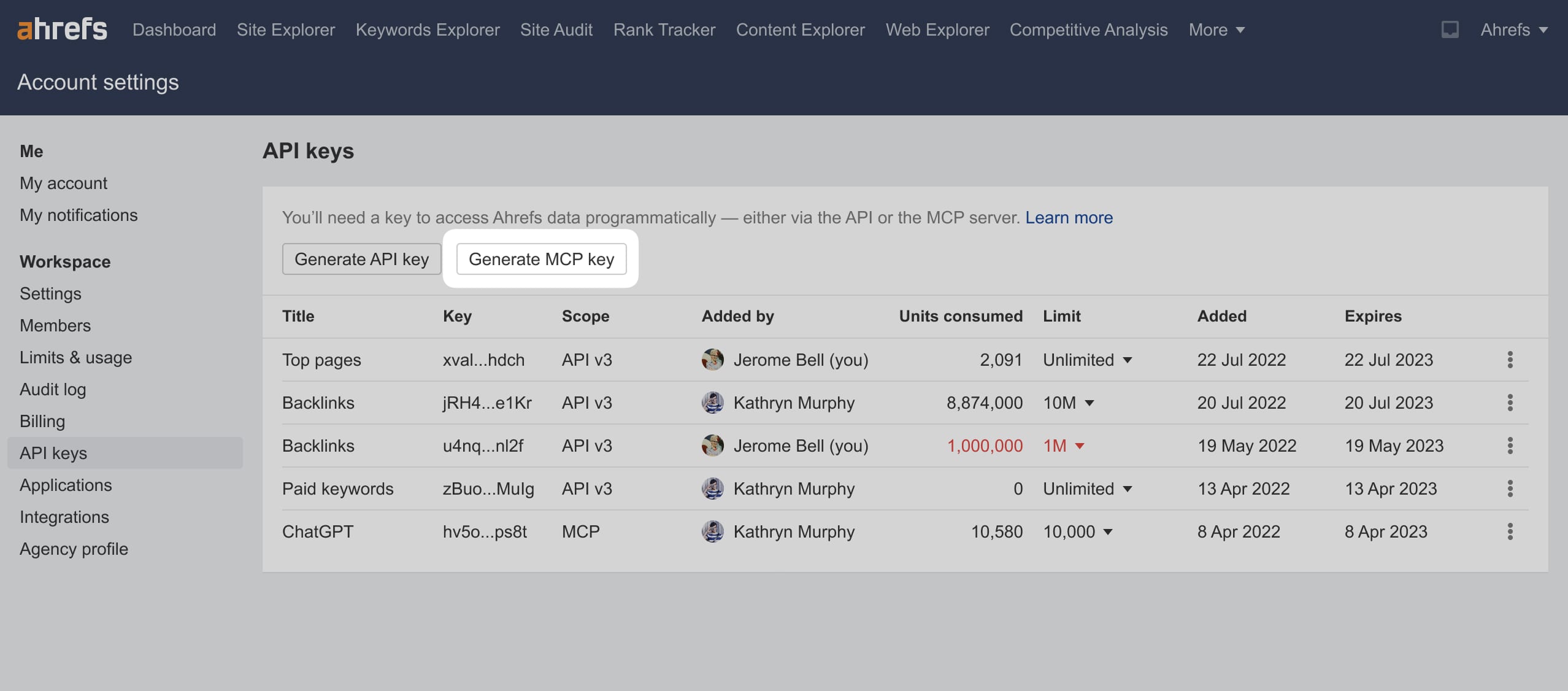
- Copy the generated MCP Key, replace the
$MCP Keyin JSON file and save it. - Restart the Claude desktop app.
Using connectors
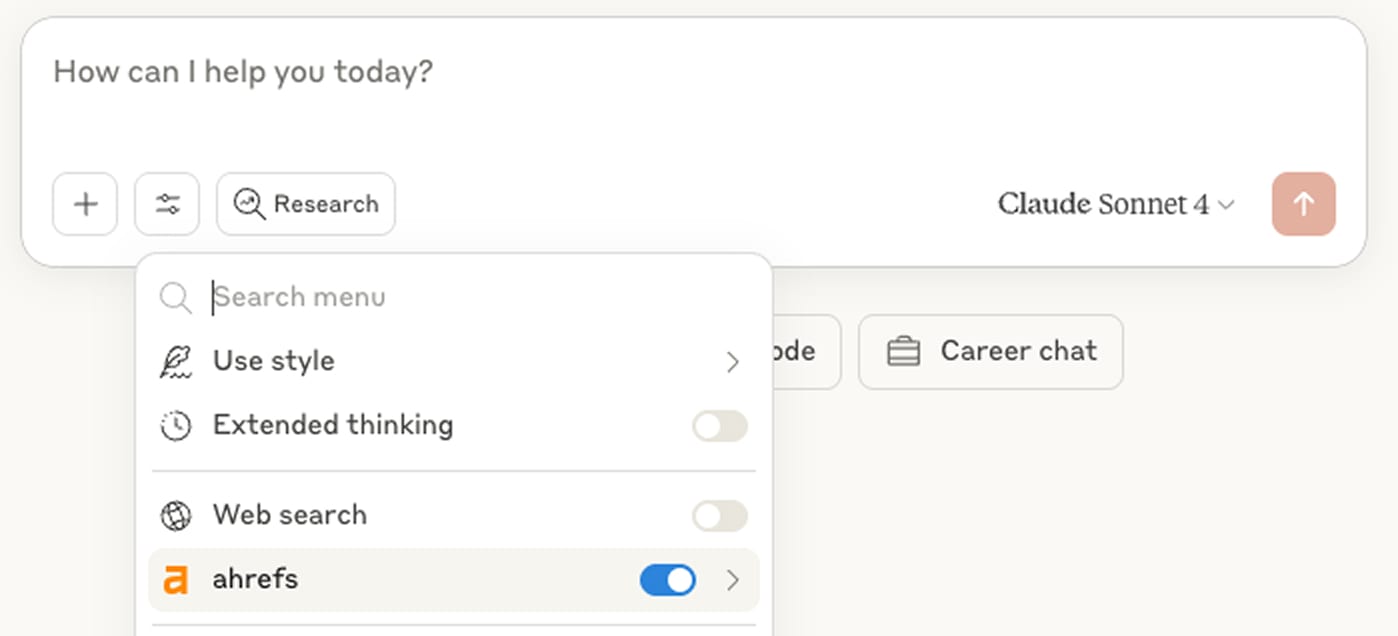
- Enable the connector in the chat settings dropdown.
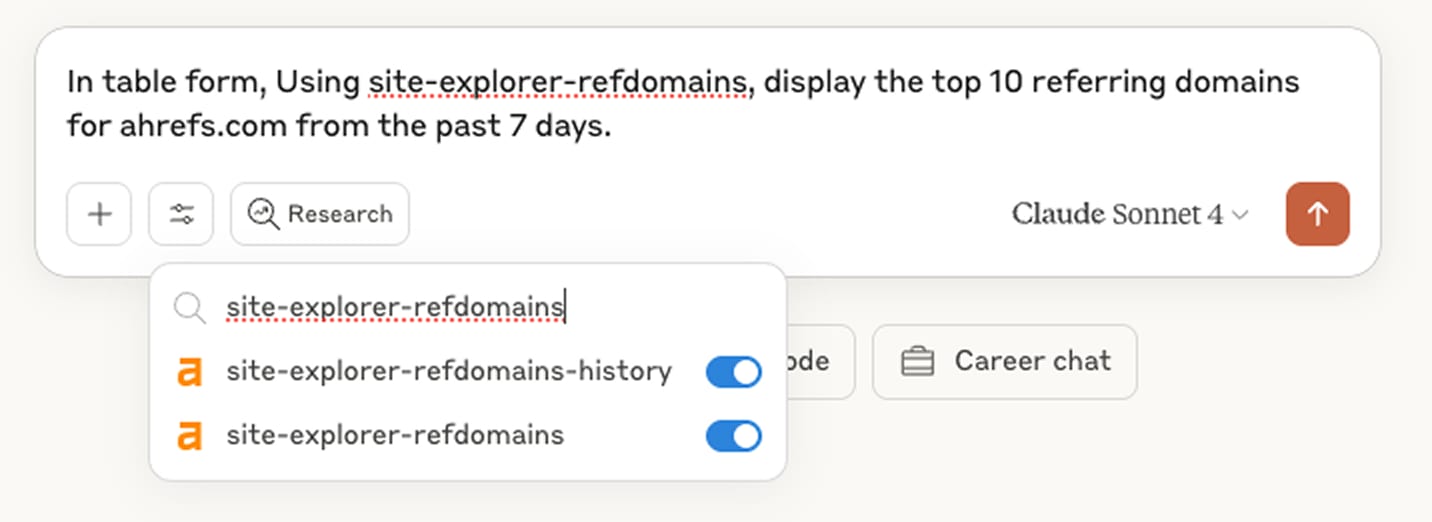
- Add a query, for example: "In table form, Using site-explorer-refdomains, display the top 10 referring domains for ahrefs.com from the past 7 days."
- Make sure all the tools mentioned are enabled before running queries.
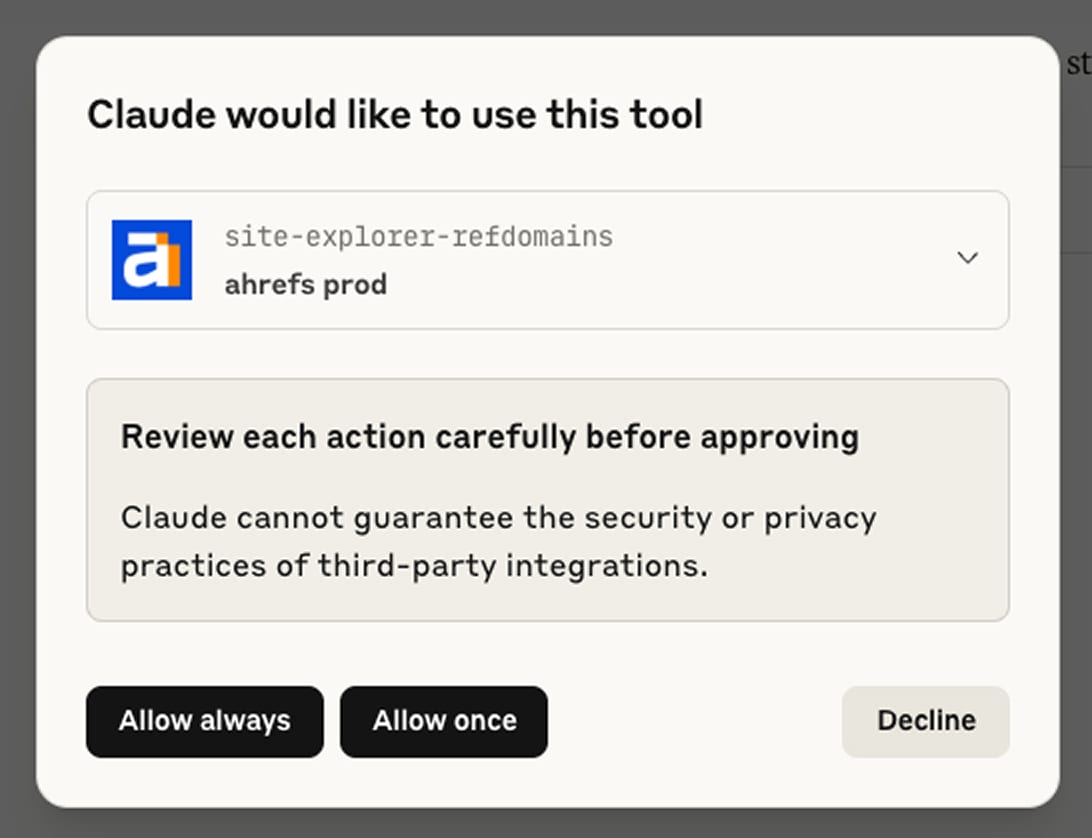
- Note that in Claude Connectors Settings, if the connector is set to “Always ask permission”, you will be prompted to grant permission before any query can return an answer. You can choose “Allow unsupervised” to grant the connector access automatically. This ensures smooth and uninterrupted use of the Ahrefs tools without repeated permission prompts.