Mistral's Le Chat
Follow these steps to add Ahrefs MCP server to Mistral's Le Chat:
- Log in to Le Chat (Mistral Chat platform)
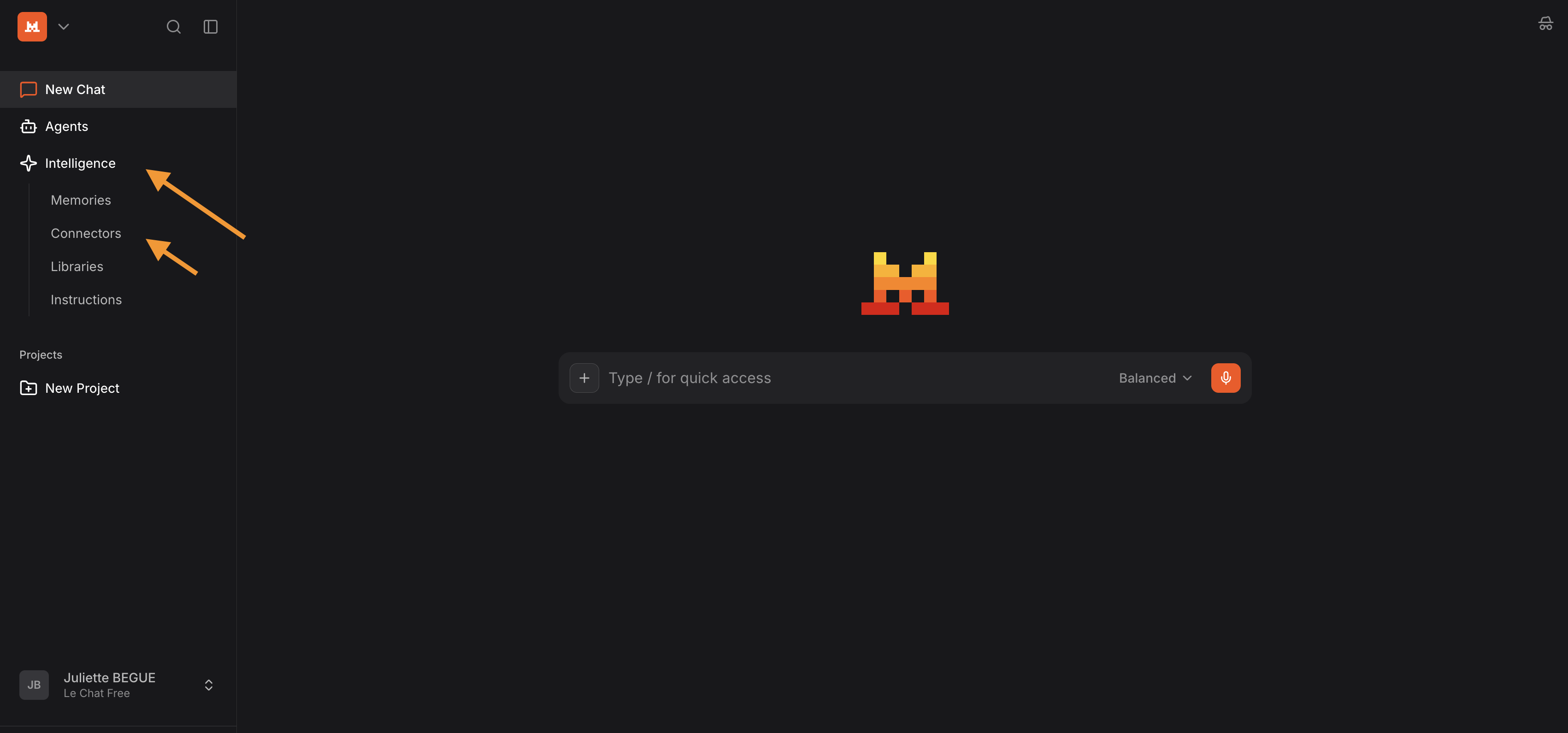
- Open the "Context" tab (formerly called "Intelligence")
- Click on “Connectors”
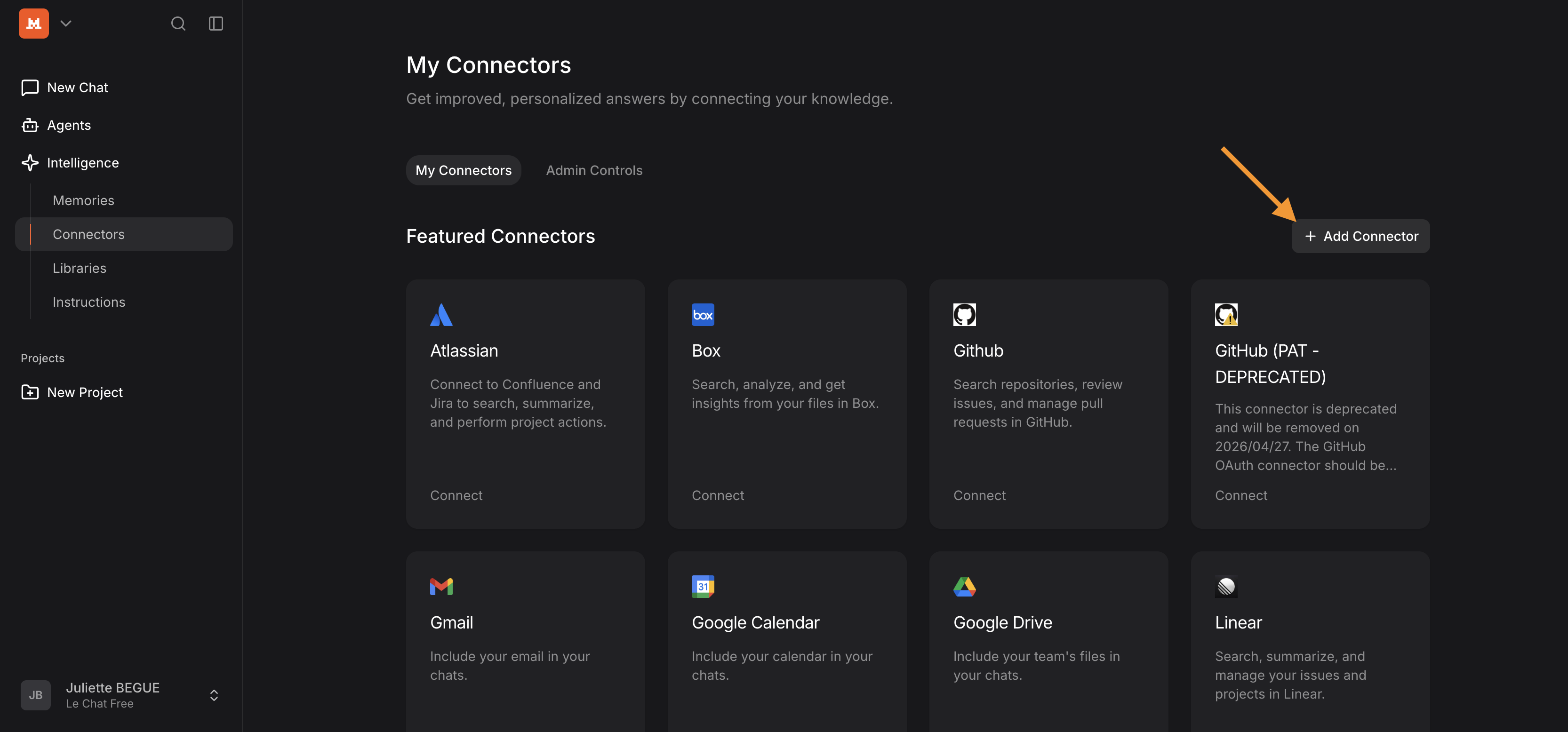
- Add a connector
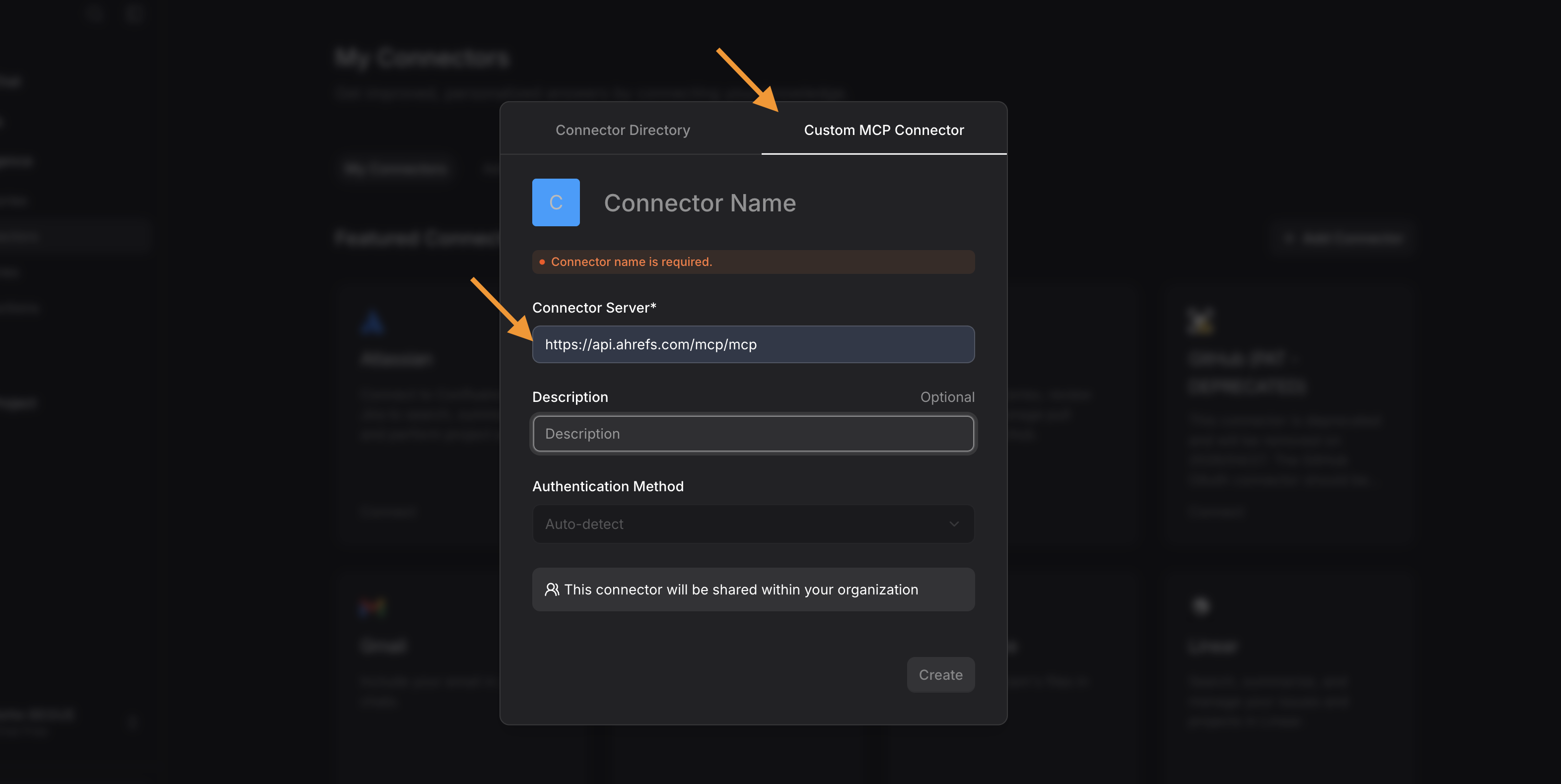
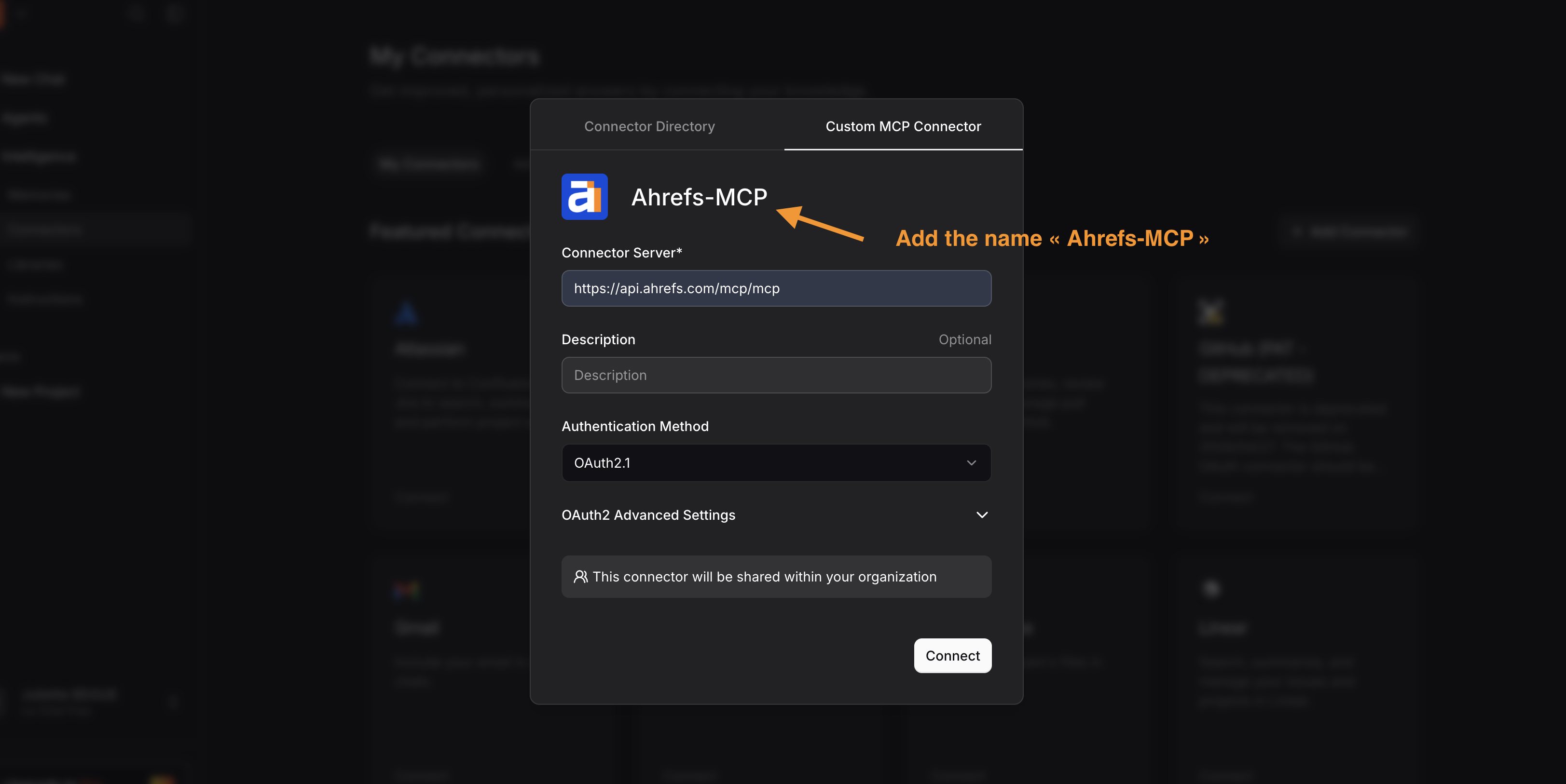
- Go to the Custom MCP Connector tab and add:
- The connector URL: https://api.ahrefs.com/mcp/mcp
- “Ahrefs-MCP” as the connector name
- Click on “Connect”
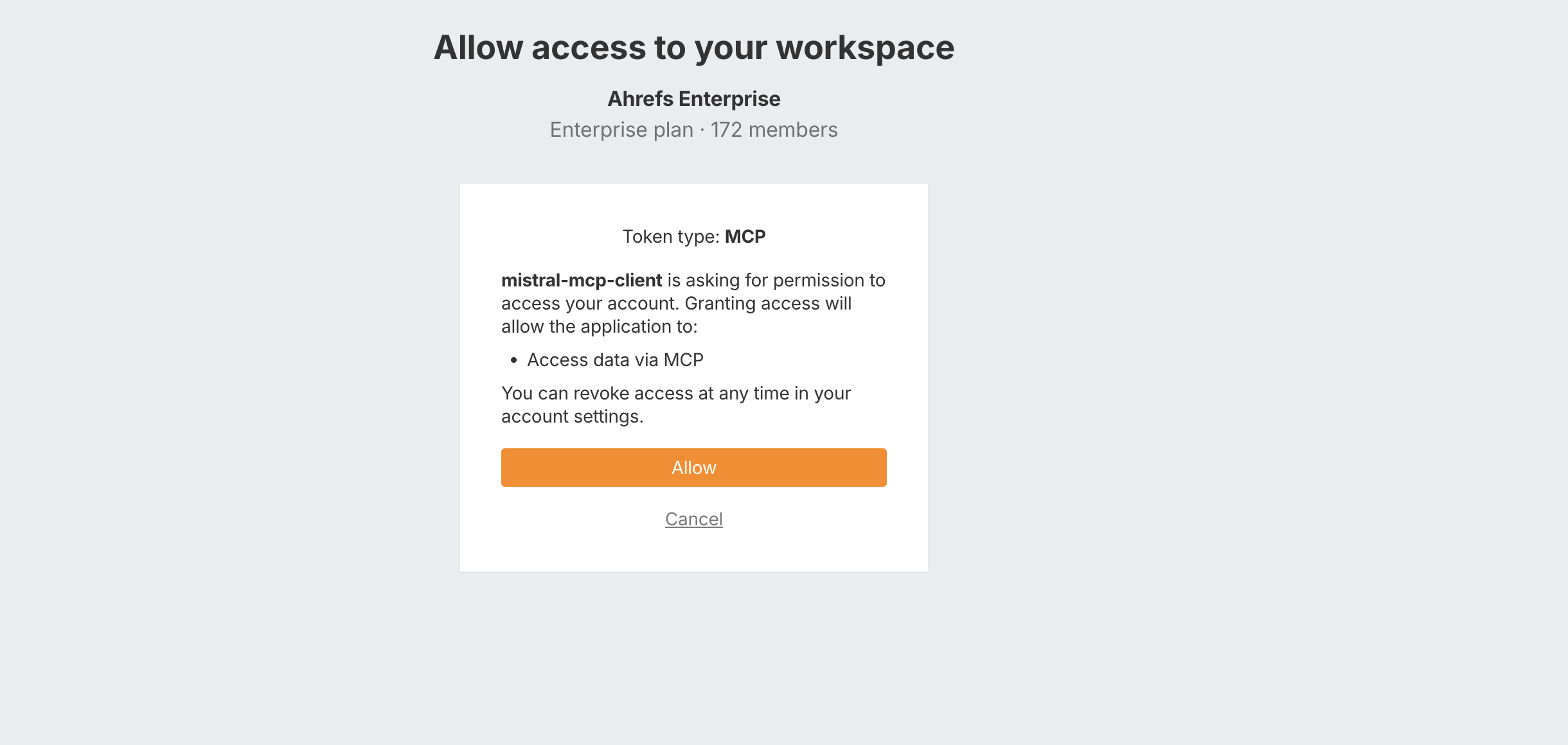
- Login to Ahrefs account, select workspace and click "Allow"
- You can choose what level of access you grant to each MCP tool in Le Chat (Mistral) - optional
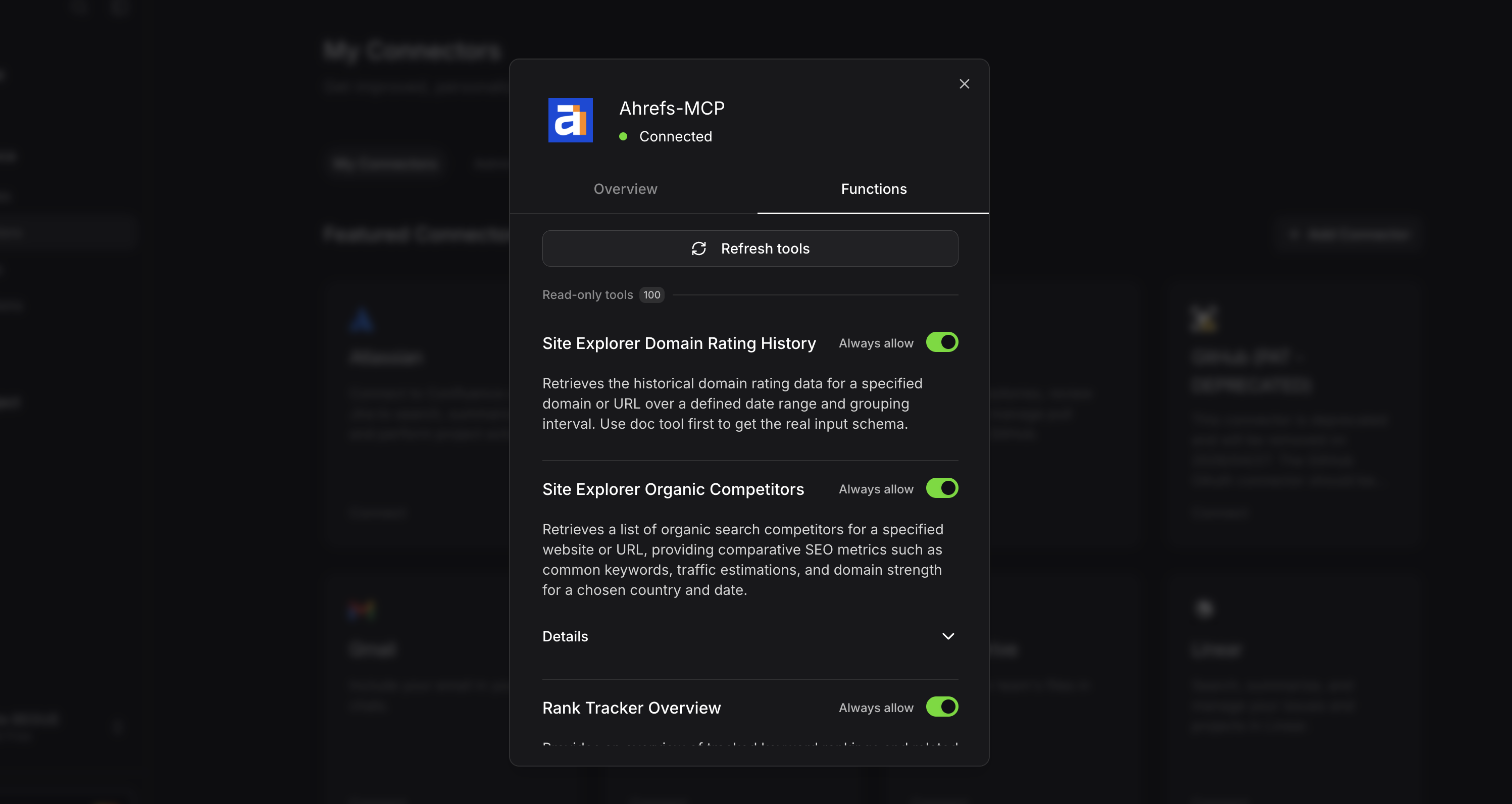
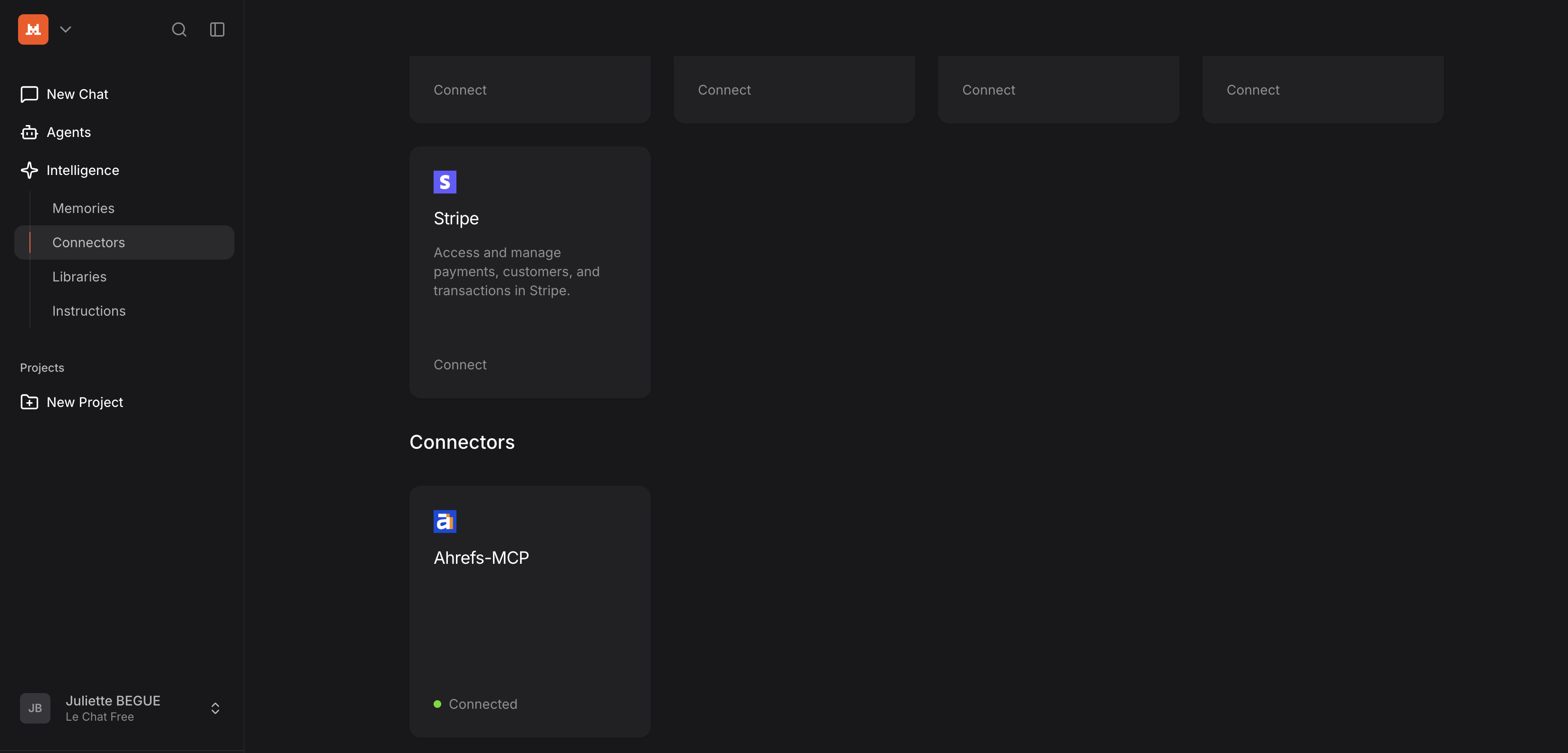
- Now you can find the Ahrefs MCP by scrolling down in the “Connectors” section.