OAuth guide
All API calls require authorization and are made on behalf of an authorized Ahrefs user. To do this, your app must obtain an API access token for that user.
Ahrefs Connect uses OAuth 2.0 Authorization Code Flow with Proof Key for Code Exchange (PKCE). The process has two main steps:
1. Authorize the application
Redirect the user to:
https://app.ahrefs.com/web/oauth/authorize?response_type=code&client_id={client_id}&scope=apiv3-integration-apps&redirect_uri={redirect_uri}&code_challenge={code_challenge}&code_challenge_method=s256&state={state}
Parameters:
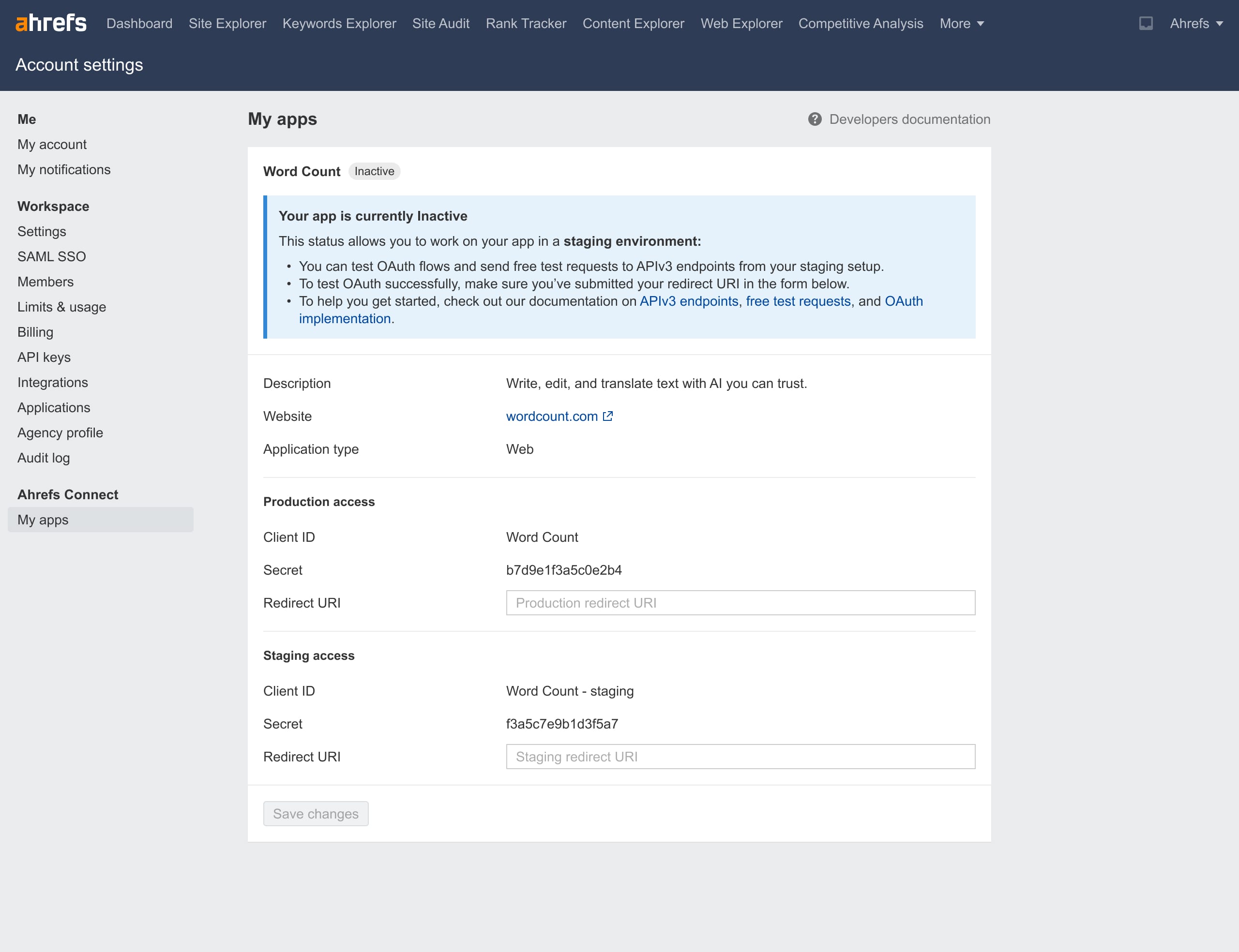
{client_id}: URL-encoded Client ID from Ahrefs Connect section in your Account settings.{redirect_uri}: URL-encoded Redirect URI you’ve registered in the same section.{code_challenge}: Derived from a code verifier using the S256 method:- Generate a code verifier — a random string of 43–128 characters using a cryptographically secure generator. Allowed characters:
[A-Z] [a-z] [0-9] - . _ ~(see RFC7636 Section 4.1). - Compute the SHA-256 hash of the code verifier.
- Base64-URL-encode the hash.
- Use this encoded value as the
code_challenge(see RFC7636 Section 4.2).
- Generate a code verifier — a random string of 43–128 characters using a cryptographically secure generator. Allowed characters:
{state}: Generate an opaque value to maintain state between the request and callback. The authorization server will include this value when redirecting the user back to your app. (see RFC6749 Section 4.1.1)
info
Note for legacy app developers:
Both the legacy integration (API v2) and the new Ahrefs Connect (API v3) share the same OAuth client. This means they also share the same Redirect URI — you can’t configure separate production Redirect URIs for the old and new versions of your app.
We recommend updating the production Redirect URI in your Account Settings only after your new app has been reviewed and activated by Ahrefs, and you’re ready to release it.
If you prefer to keep using the same Redirect URI for both versions, you can use the {state} parameter to distinguish requests. For example, attach a unique string for the legacy app and another for the new app. Since the same {state} value is returned by the OAuth server when redirecting users back to your app, your server can branch logic based on this value. This way, users can continue generating tokens for both versions without breaking the existing integration.
User experience:
- The user sees the Ahrefs authorization consent screen.
- They grant your app permission to access Ahrefs API on their behalf.
- Ahrefs redirects them to your Redirect URI with:
codeparameter — used in Step 2stateparameter — verify it matches your original request.
2. Retrieve the access_token
Exchange the code for an access_token by sending a POST request to https://ahrefs.com/oauth/token .
Send the parameters in the request body using the application/x-www-form-urlencoded format (see RFC6749 Section 4.1.3):
grant_type:authorization_codeclient_id:{client_id}(Must match the one in Step 1)redirect_uri:{redirect_uri}(Must match the one in Step 1)code:{code}(From Step 1)code_verifier:{original_code_verifier}(The untransformed value from Step 1)client_secret:{client_secret}(Web apps only — found in your Ahrefs Connect section in Account settings. Omit for desktop apps.)
Example response:
{
    "access_token": "\<token to use in API requests>",
    "expires_in": \<lifetime of the access token in seconds>,
    "token_type": "Bearer",
    "scope": "apiv3-integration-apps"
}
Token lifetime & re-connection
- No refresh tokens are issued.
- Access tokens are valid for 1 year. After expiry, the user must reconnect (re-authorize) via OAuth.
info
Security note:
- Never expose
access_tokento end users, either during authorization or later (in UI, logs, URLs, or client-side code). - For web apps, store
client_secretserver-side only. - You will need to demonstrate secure token handling as part of the Approval process.