Le Chat dari Mistral
Ikuti langkah-langkah berikut untuk menambahkan server Ahrefs MCP ke Le Chat dari Mistral:
- Masuk ke Le Chat (platform Mistral Chat)
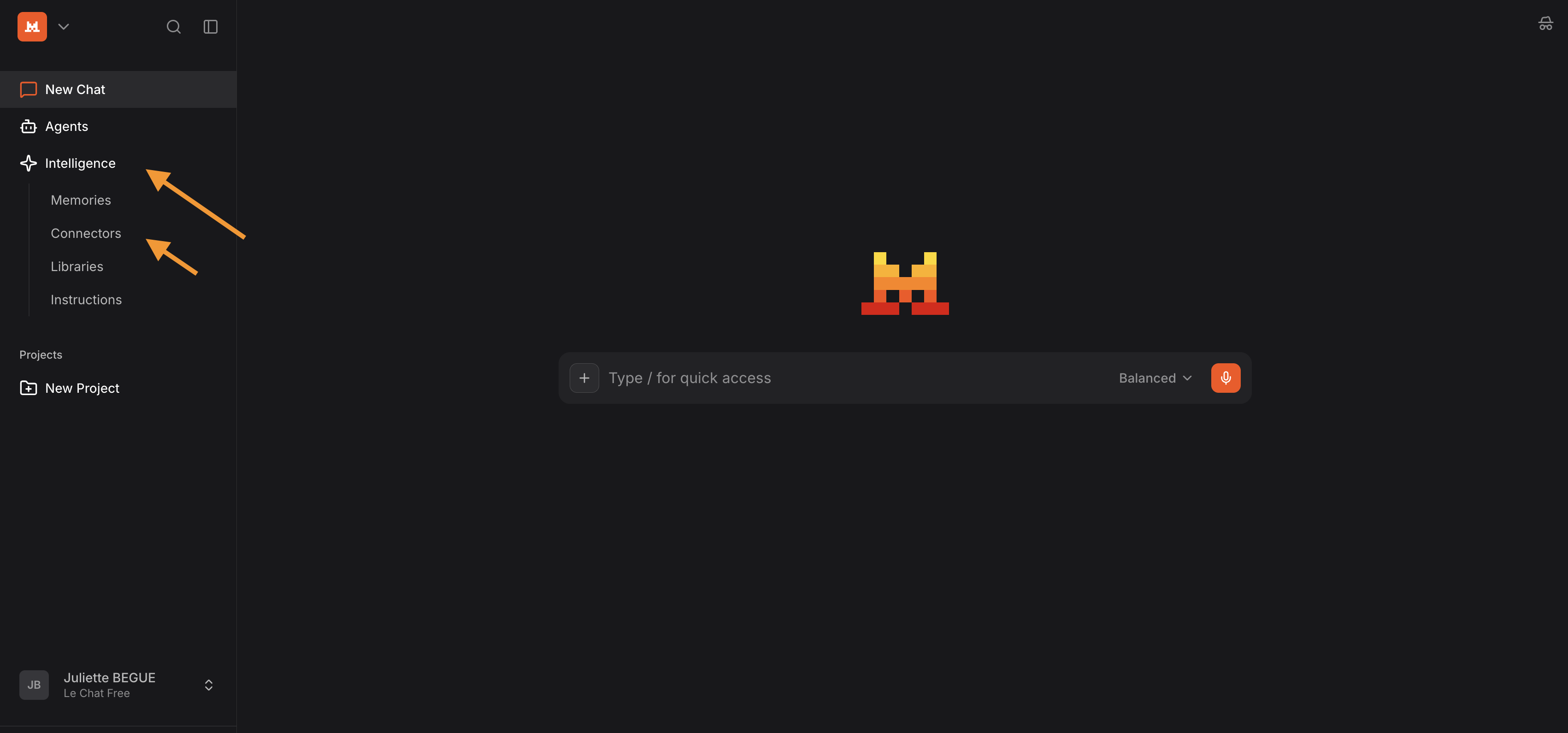
- Buka tab "Context" (sebelumnya bernama "Intelligence")
- Klik "Connectors"
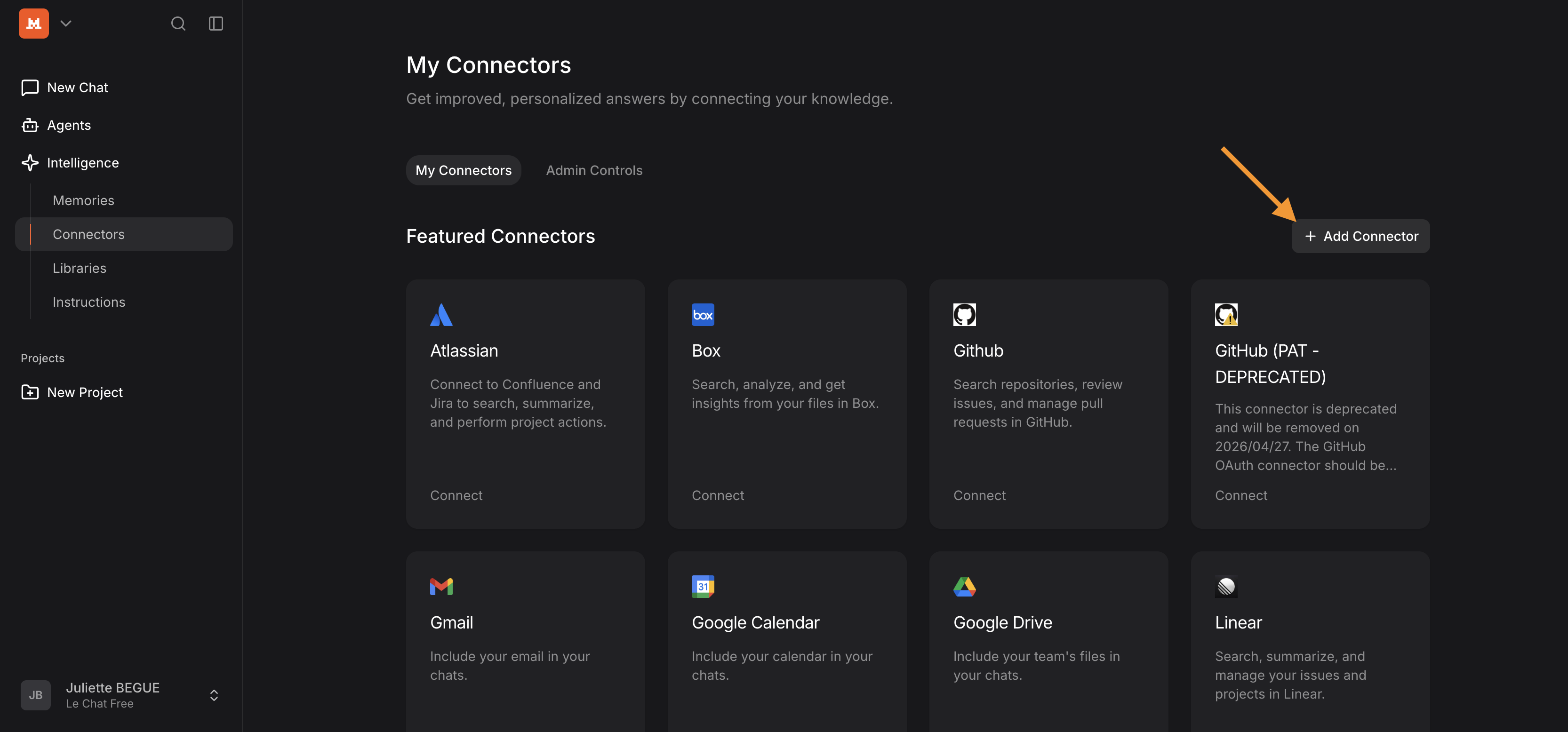
- Tambahkan konektor
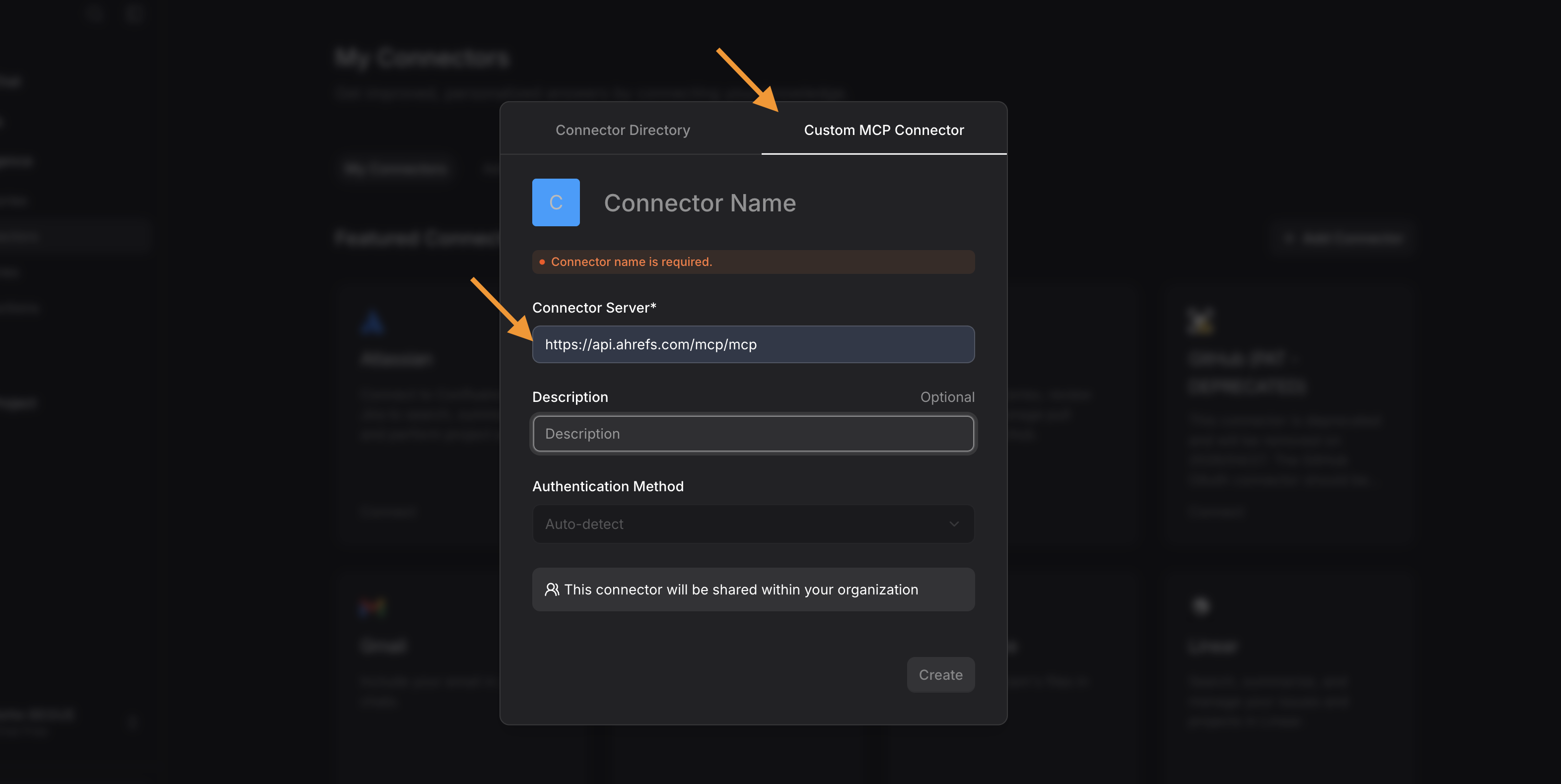
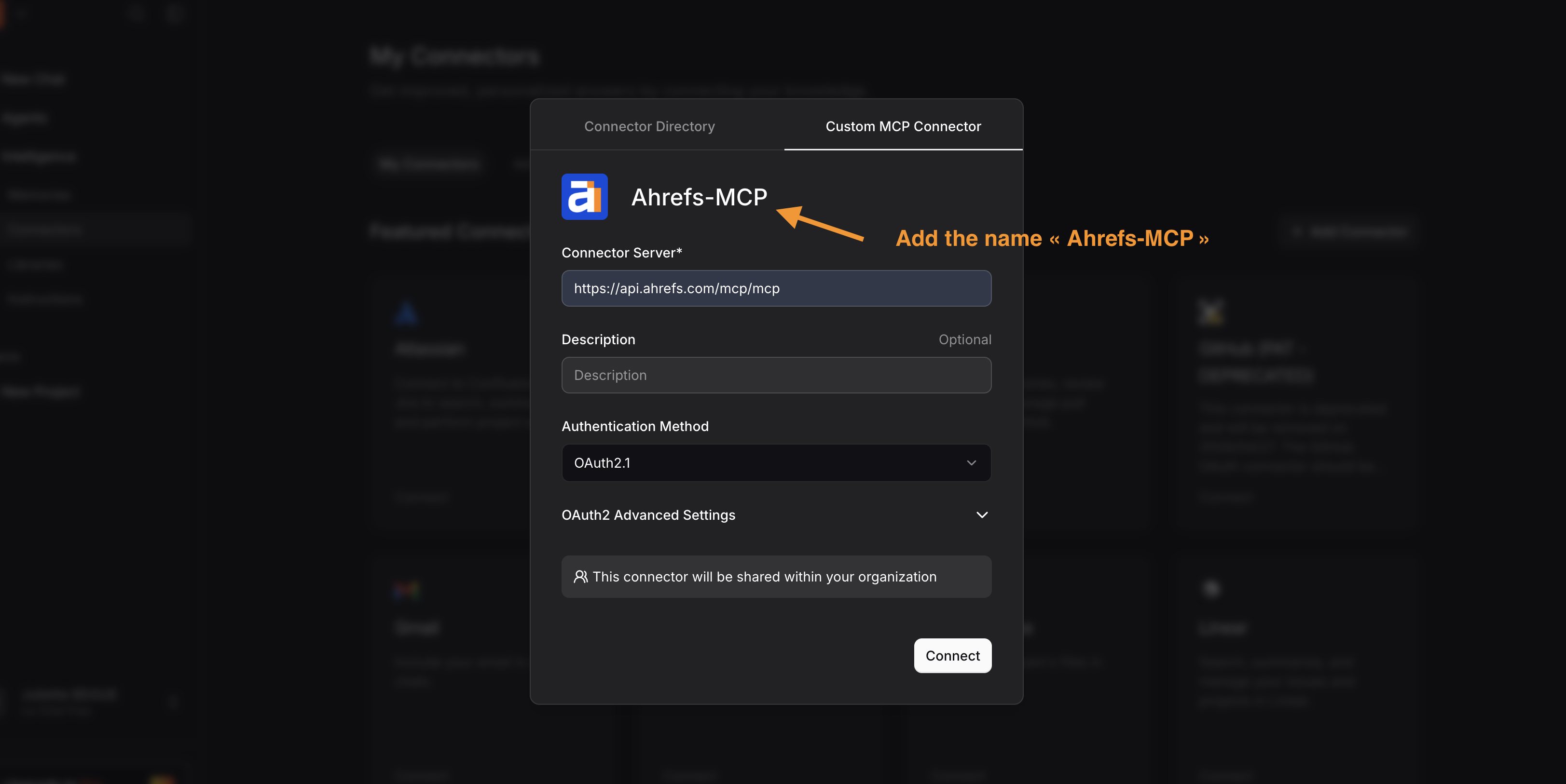
- Buka tab Custom MCP Connector lalu tambahkan:
- URL konektor: https://api.ahrefs.com/mcp/mcp
- "Ahrefs-MCP" sebagai nama konektor
- Klik "Connect"
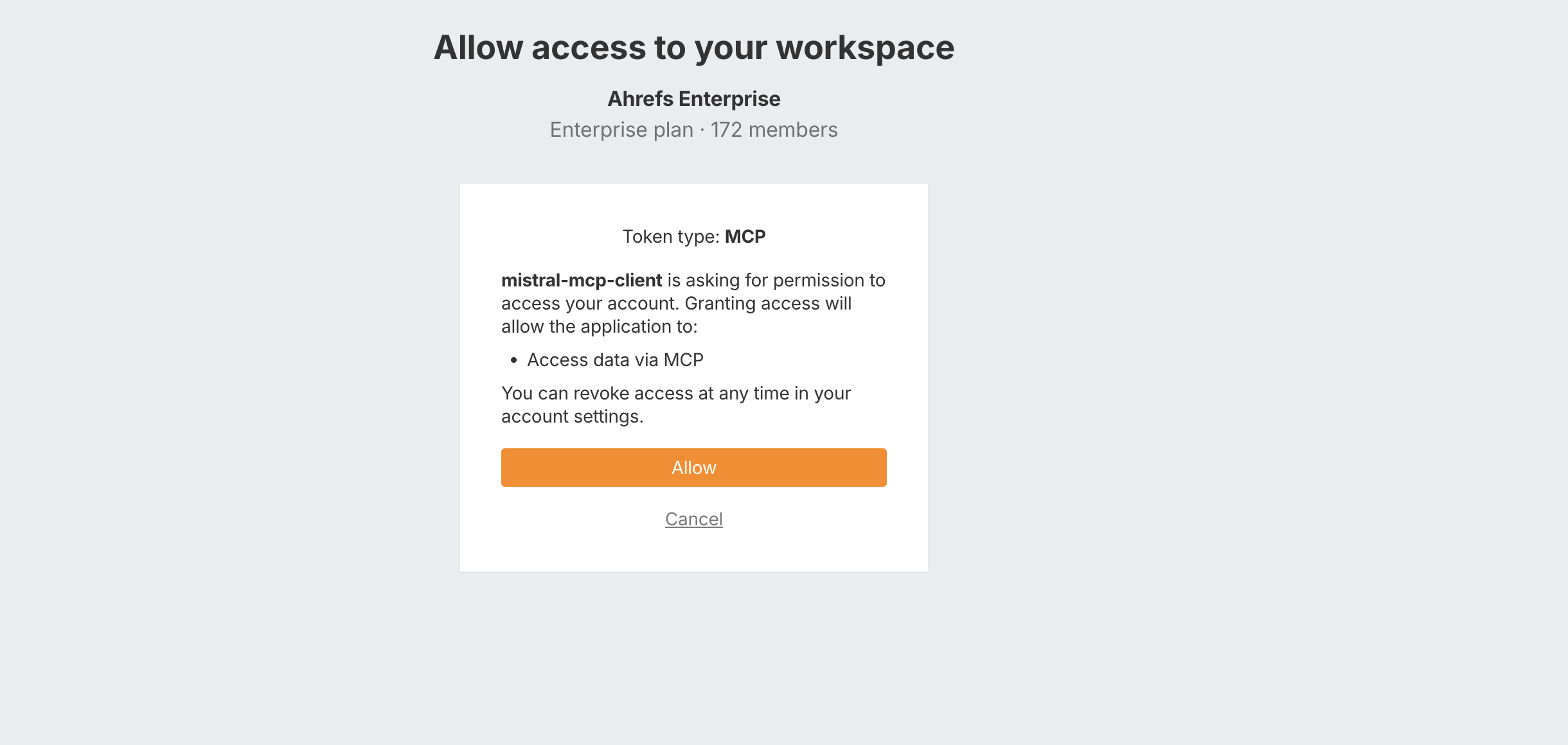
- Masuk ke akun Ahrefs, pilih workspace, lalu klik "Allow"
- Anda dapat memilih tingkat akses yang ingin Anda berikan untuk setiap alat MCP di Le Chat (Mistral) - opsional
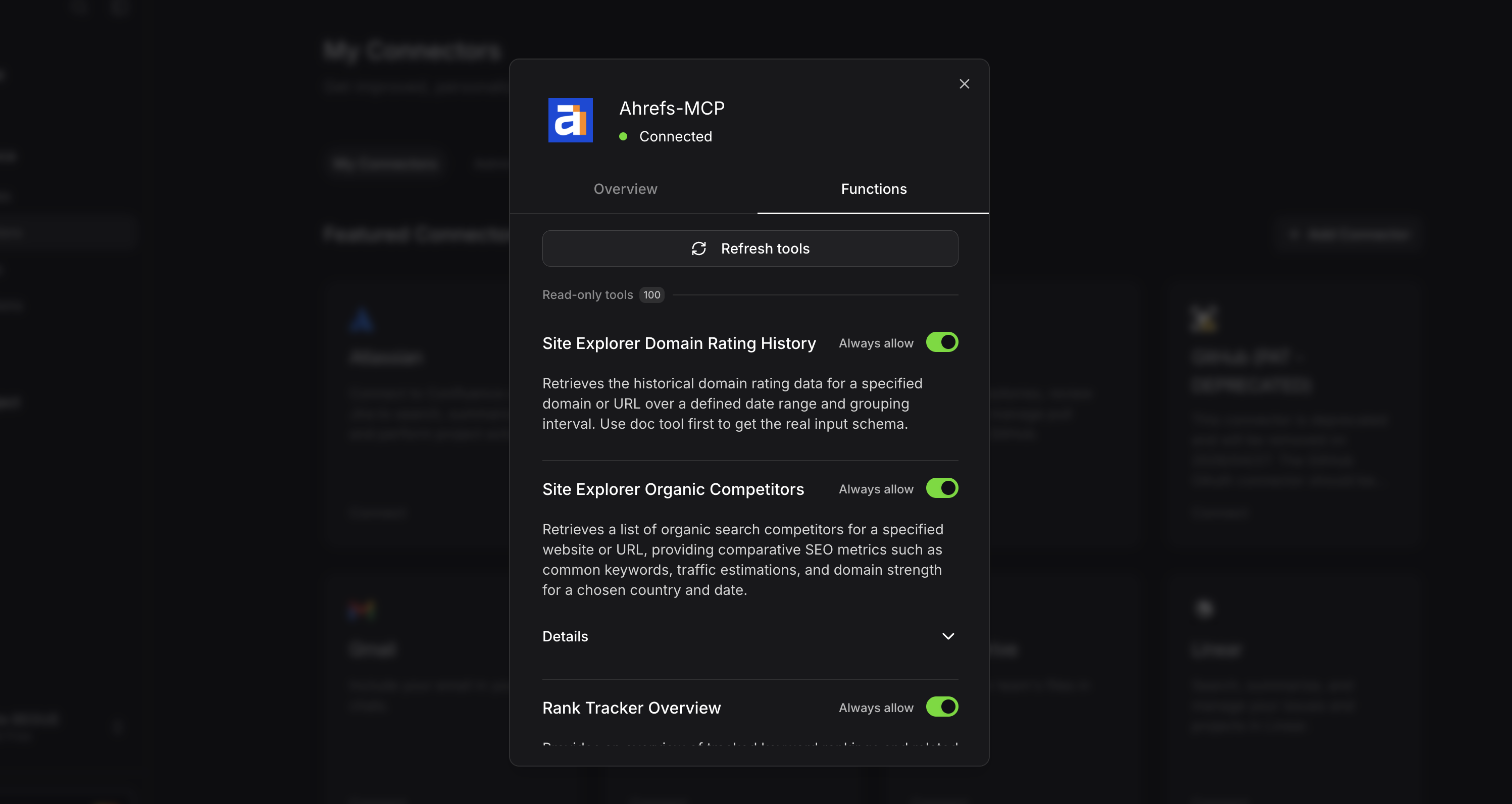
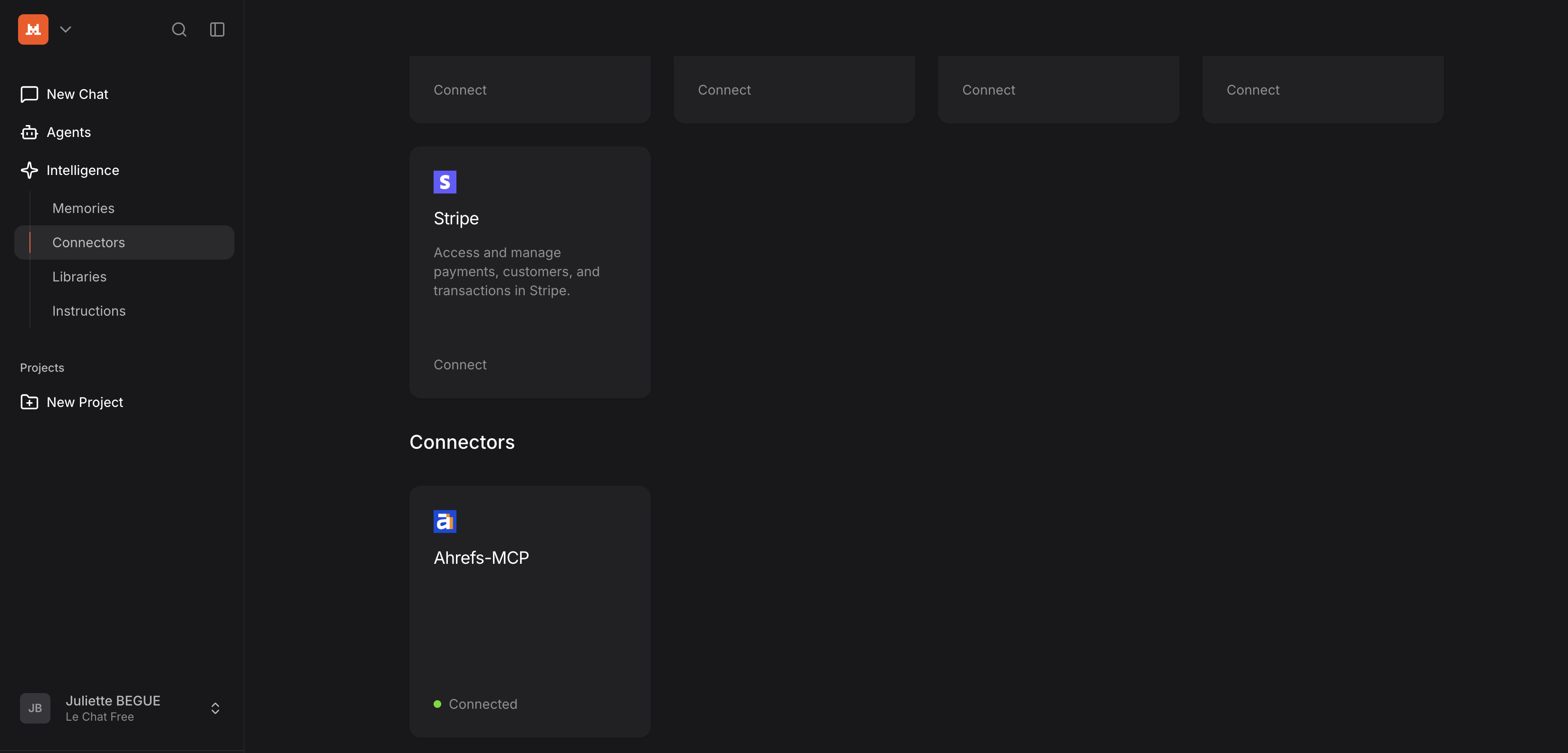
- Sekarang Anda dapat menemukan Ahrefs MCP dengan menggulir ke bawah di bagian "Connectors".