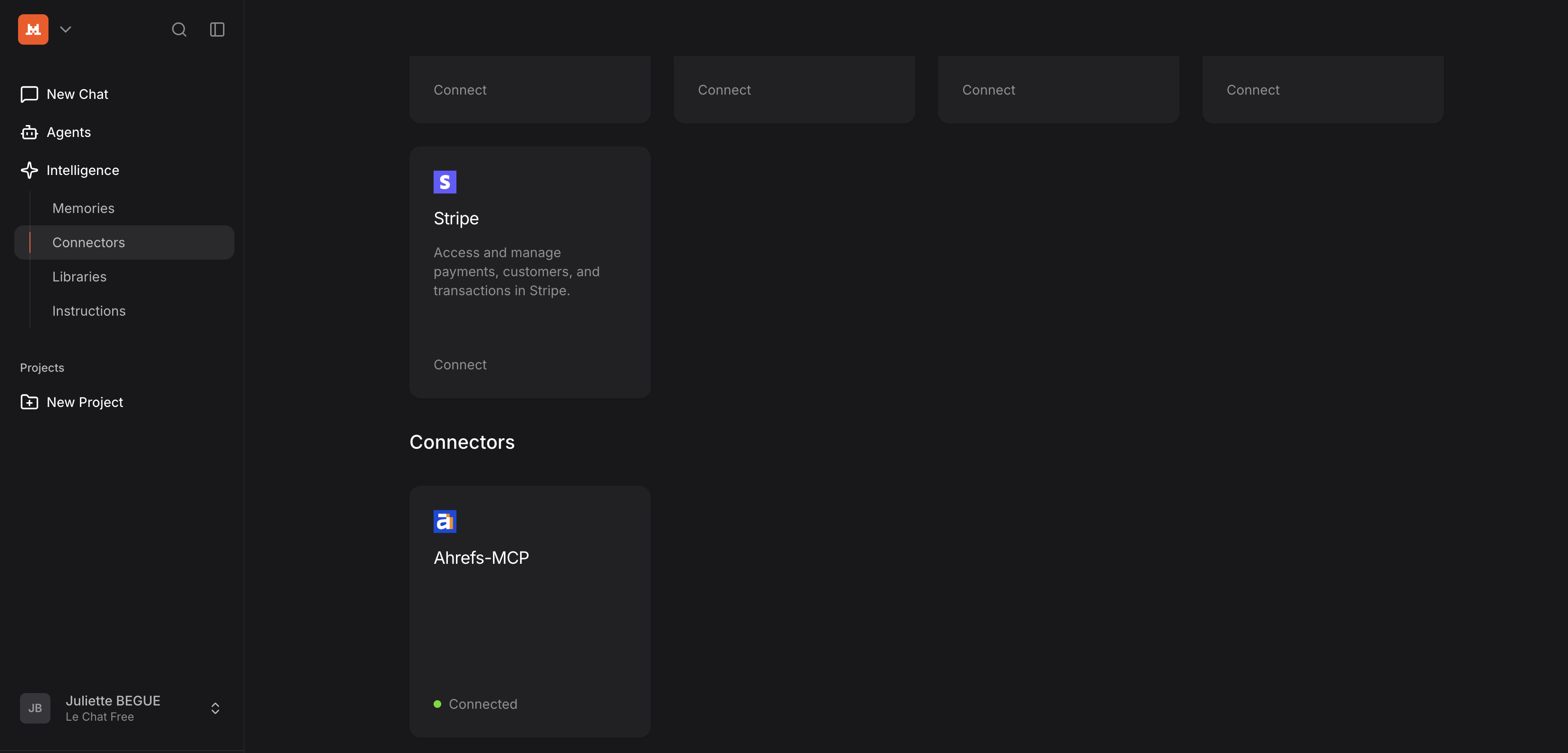
Mistral 的 Le Chat
按照以下步骤将 Ahrefs MCP 服务器添加到 Mistral 的 Le Chat:
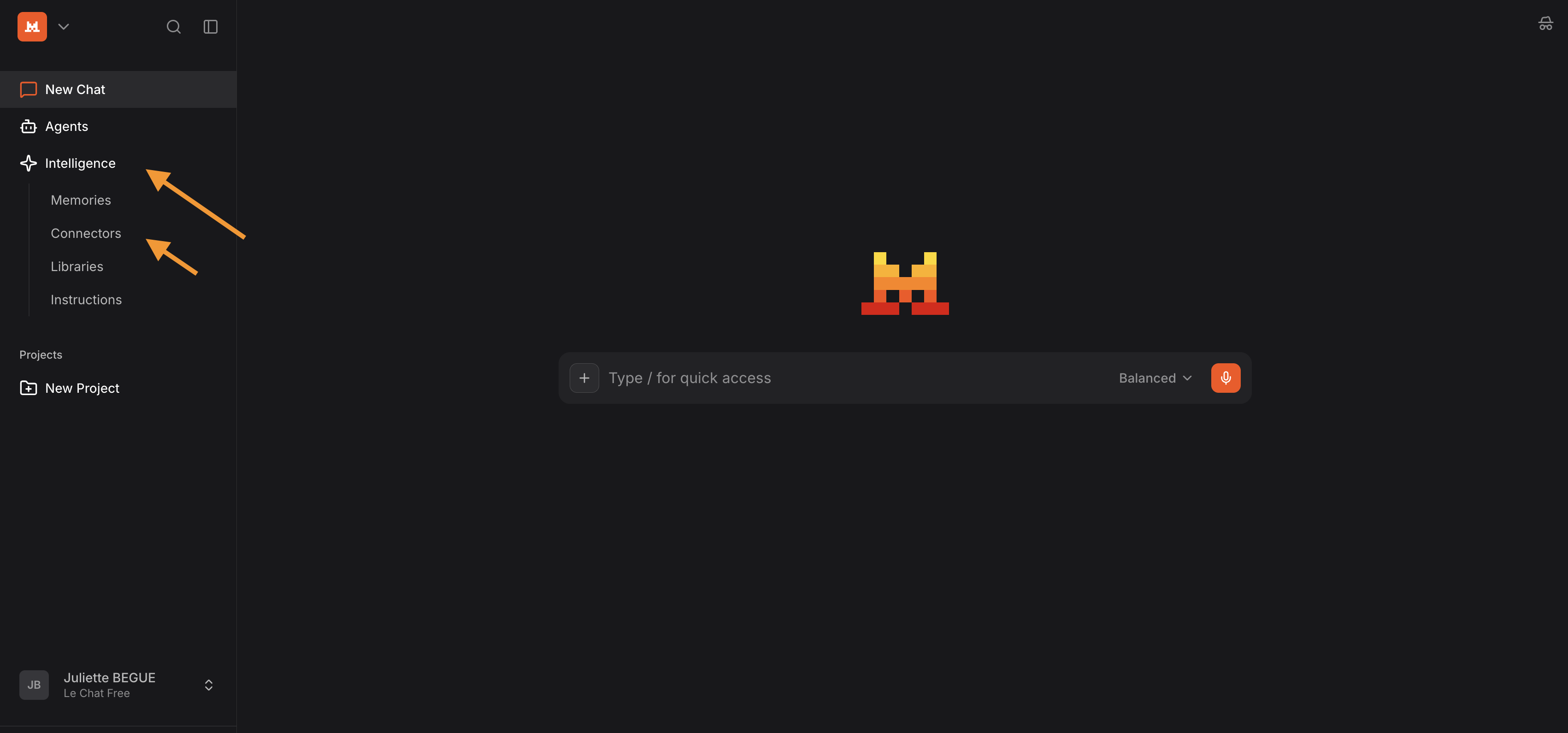
- 登录 Le Chat(Mistral Chat 平台)
- 打开 "Context" 选项卡(此前名为 "Intelligence")
- 点击“Connectors”
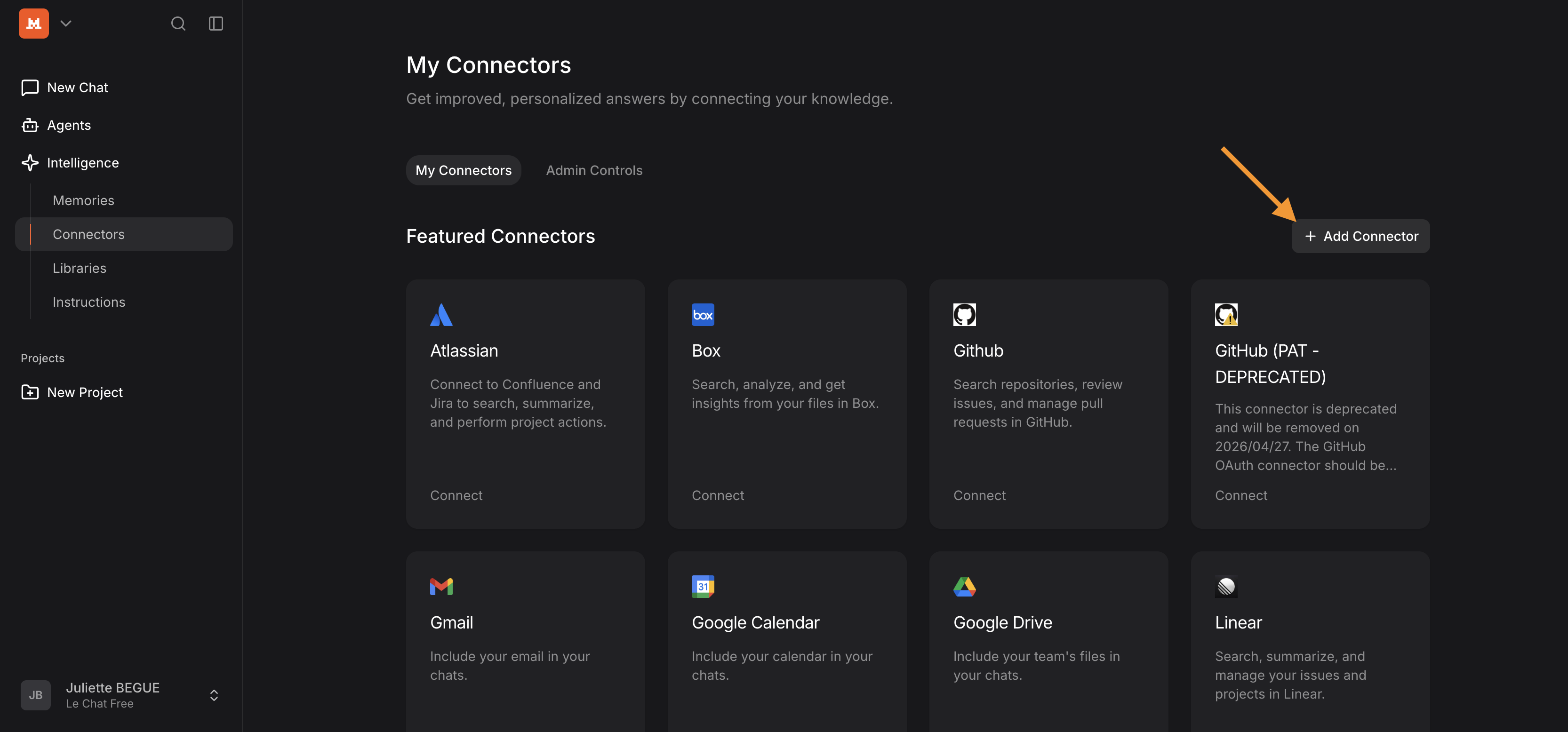
- 添加连接器
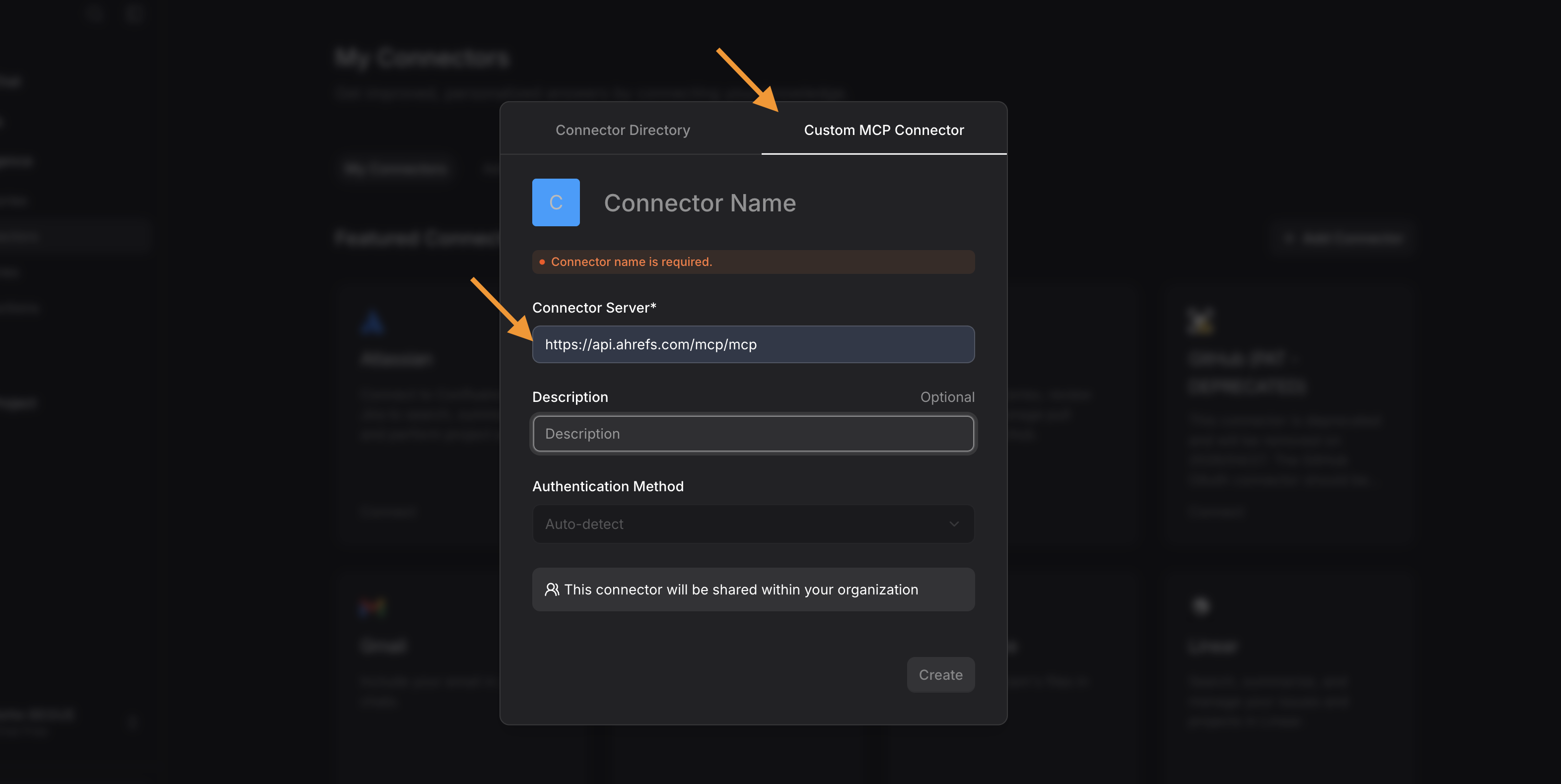
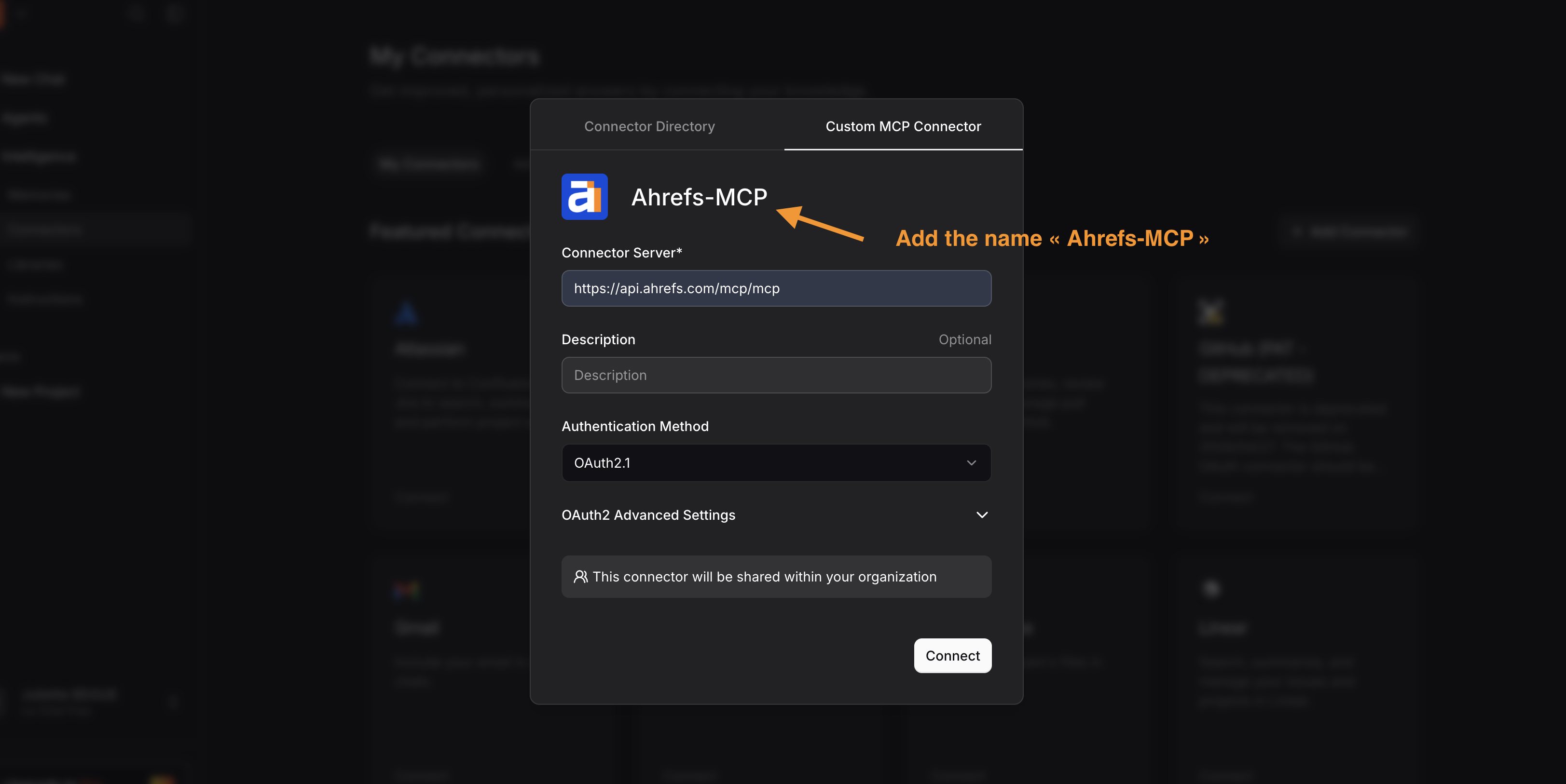
- 前往 Custom MCP Connector 选项卡并添加:
- 连接器 URL:https://api.ahrefs.com/mcp/mcp
- 将连接器名称设置为“Ahrefs-MCP”
- 点击“Connect”
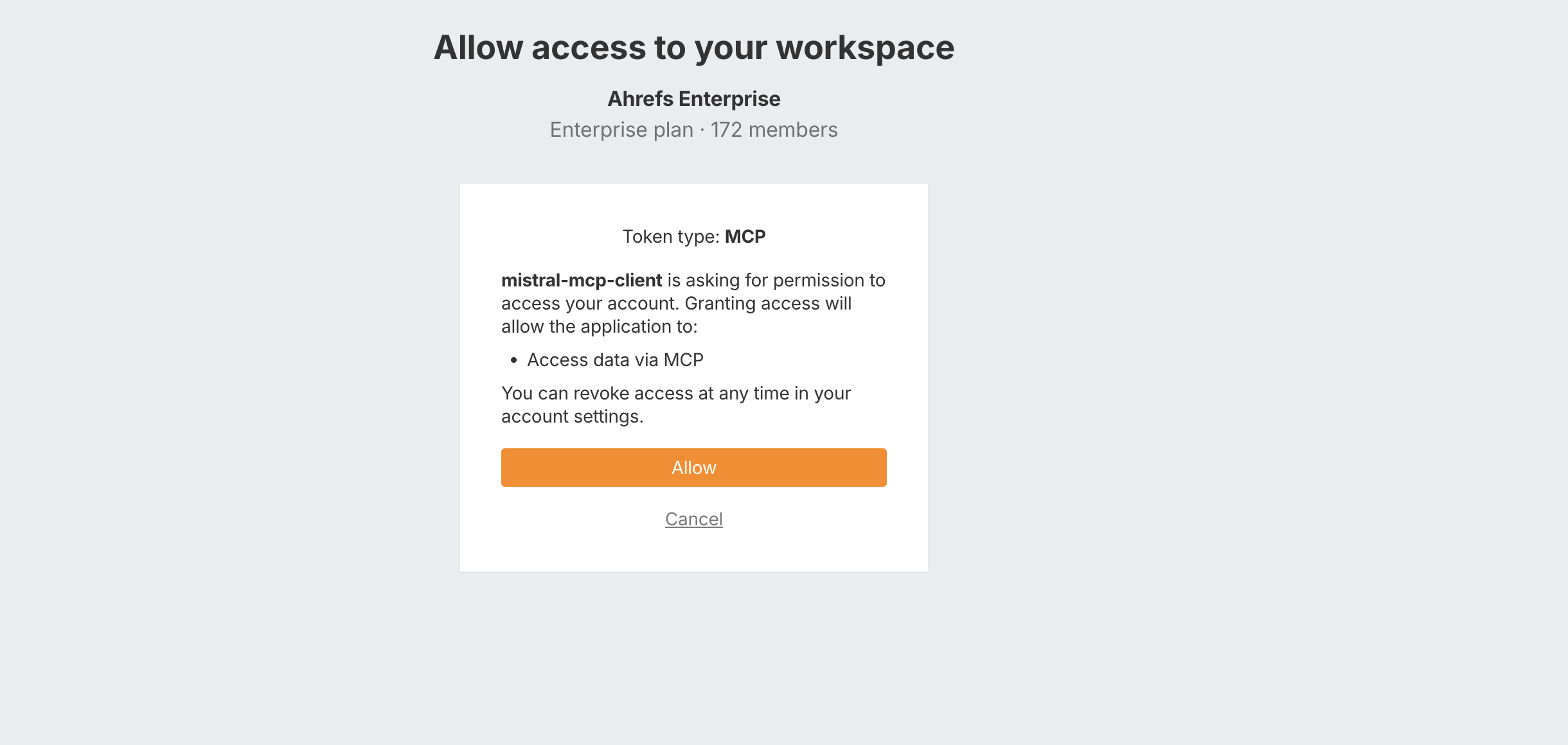
- 登录 Ahrefs 账号,选择工作区并点击"Allow"
- 你可以在 Le Chat(Mistral)中选择为每个 MCP 工具授予的访问权限级别(可选)
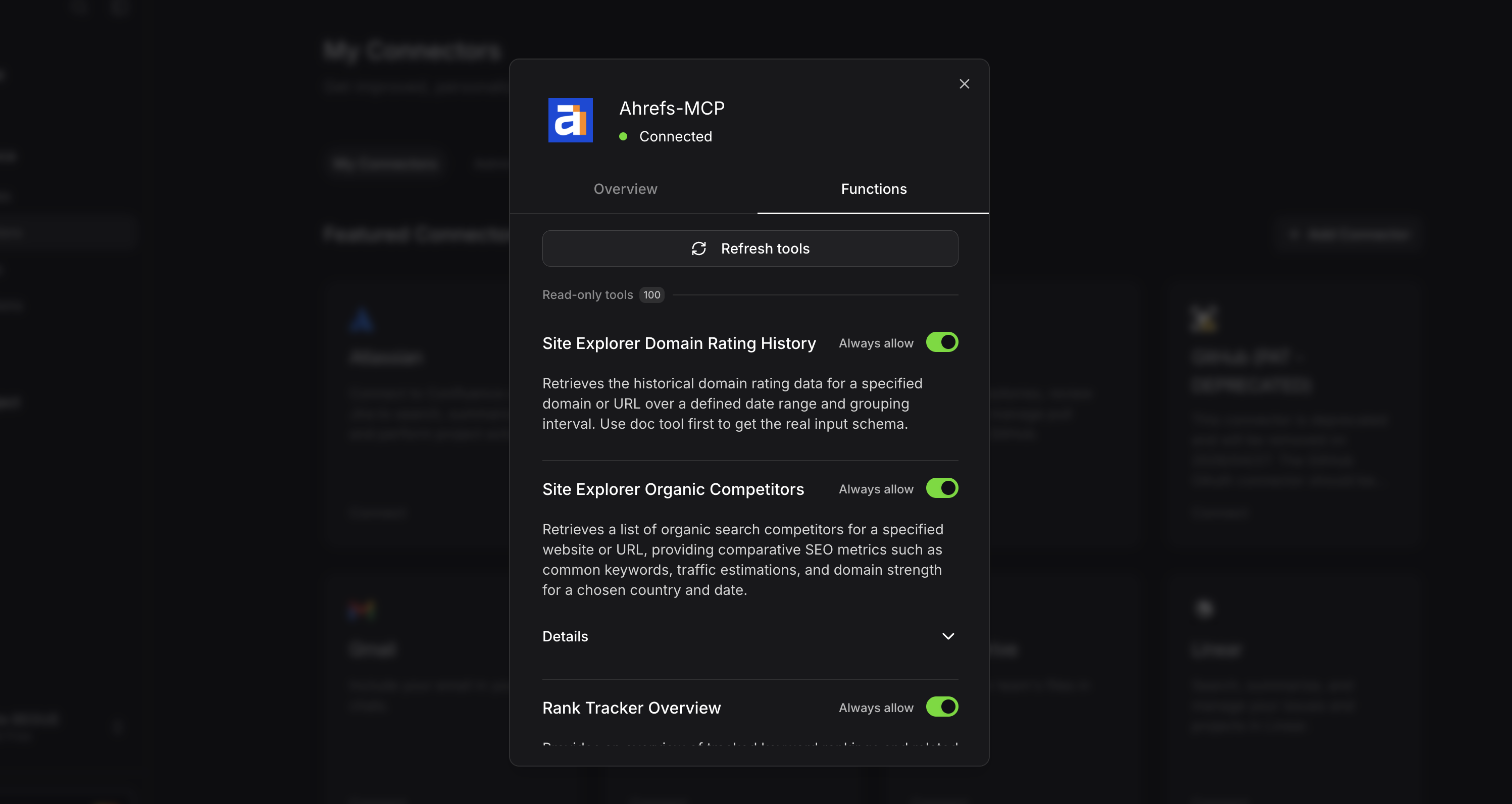
- 现在,你可以在“Connectors”部分向下滚动,找到 Ahrefs MCP。